Threshold Ticker Board
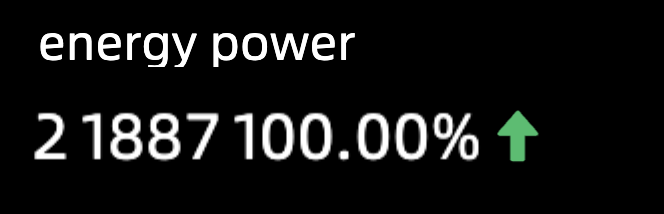
The threshold ticker board displays month-over-month or year-over-year changes for a metric, helping you assess business performance at a glance.
TensorBoard
Configuration data
-
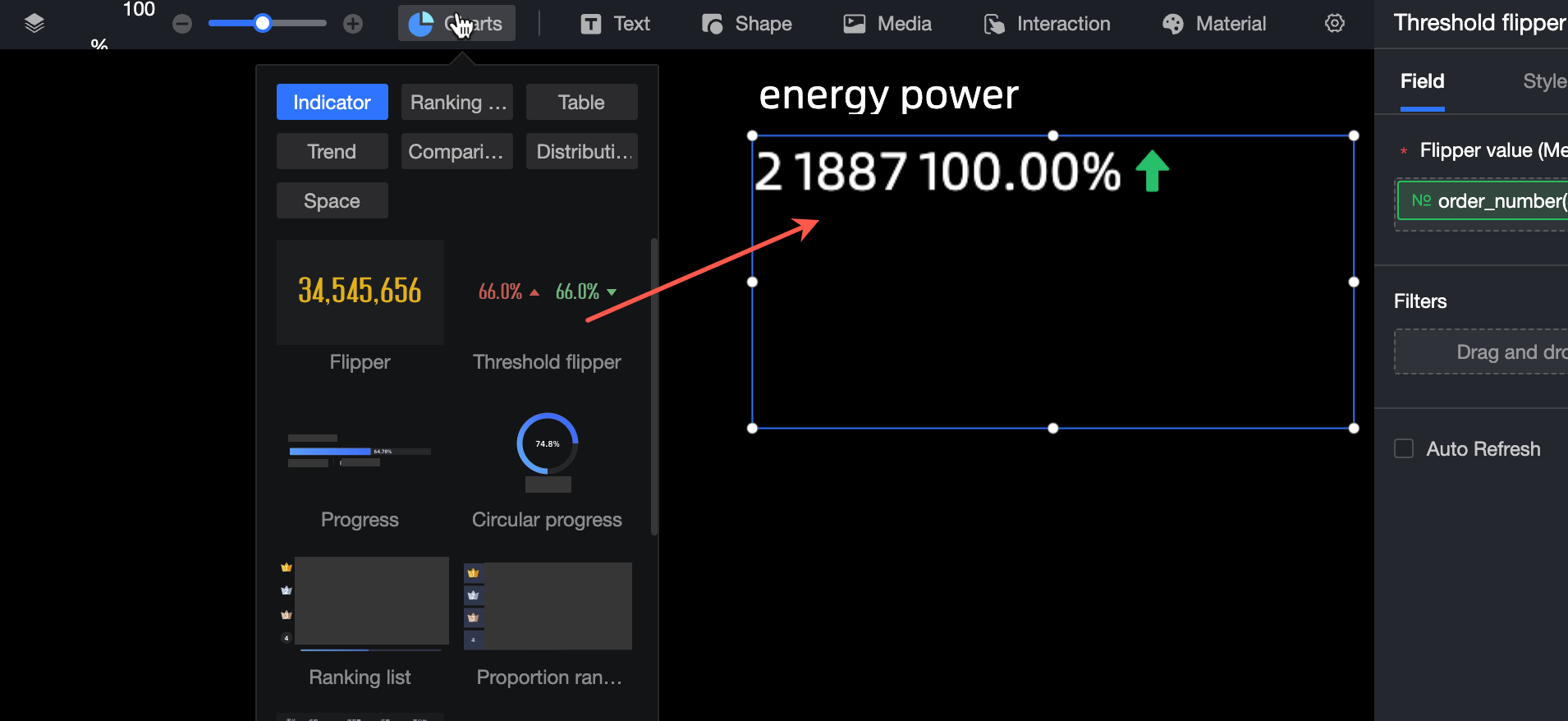
In the Chart section of the Widget Library section, find the Threshold Flip and drag it to the canvas.
-
Click Select Dataset and follow the instructions in the following figure to add data.
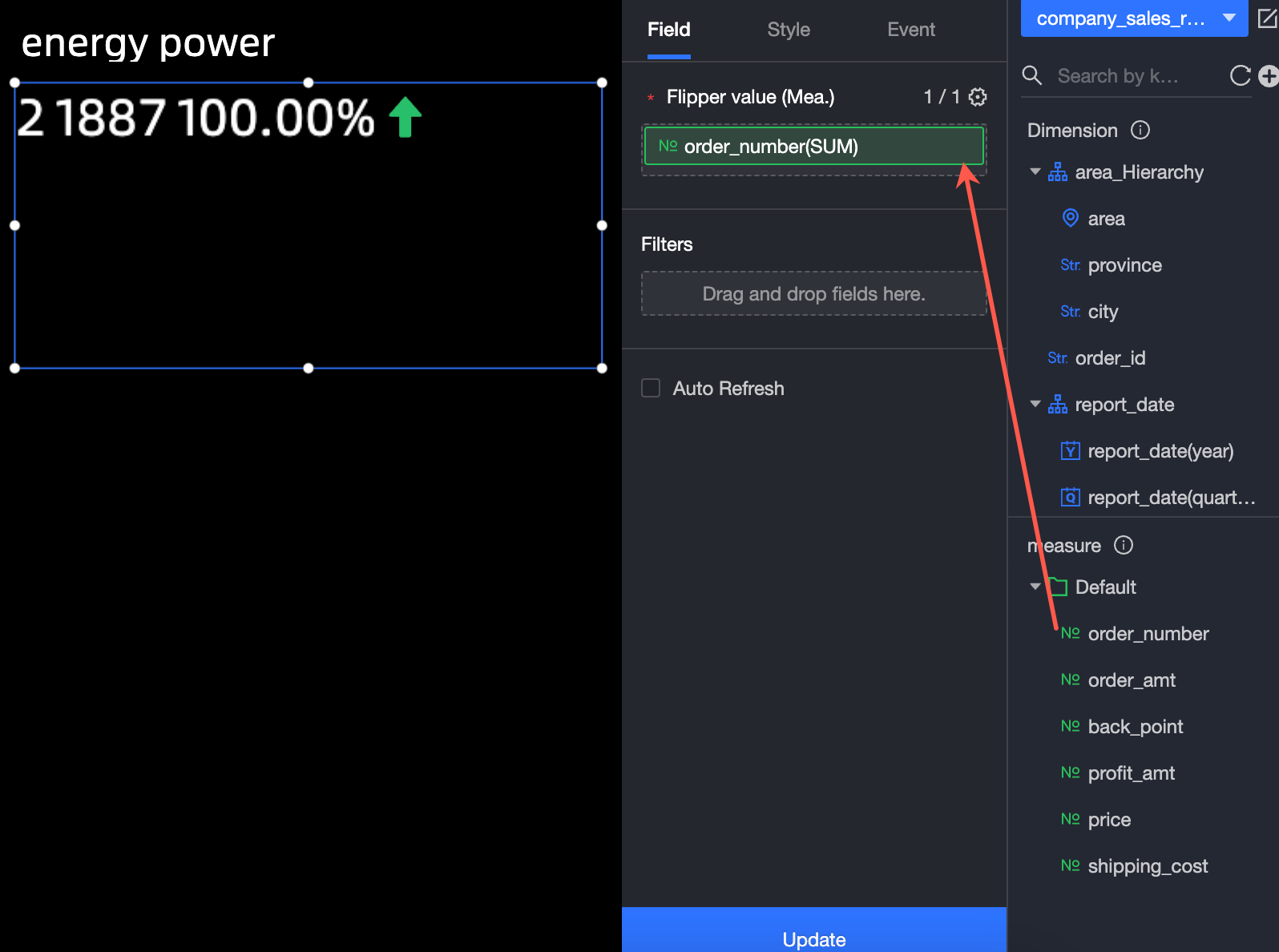
Additional data operations are available: 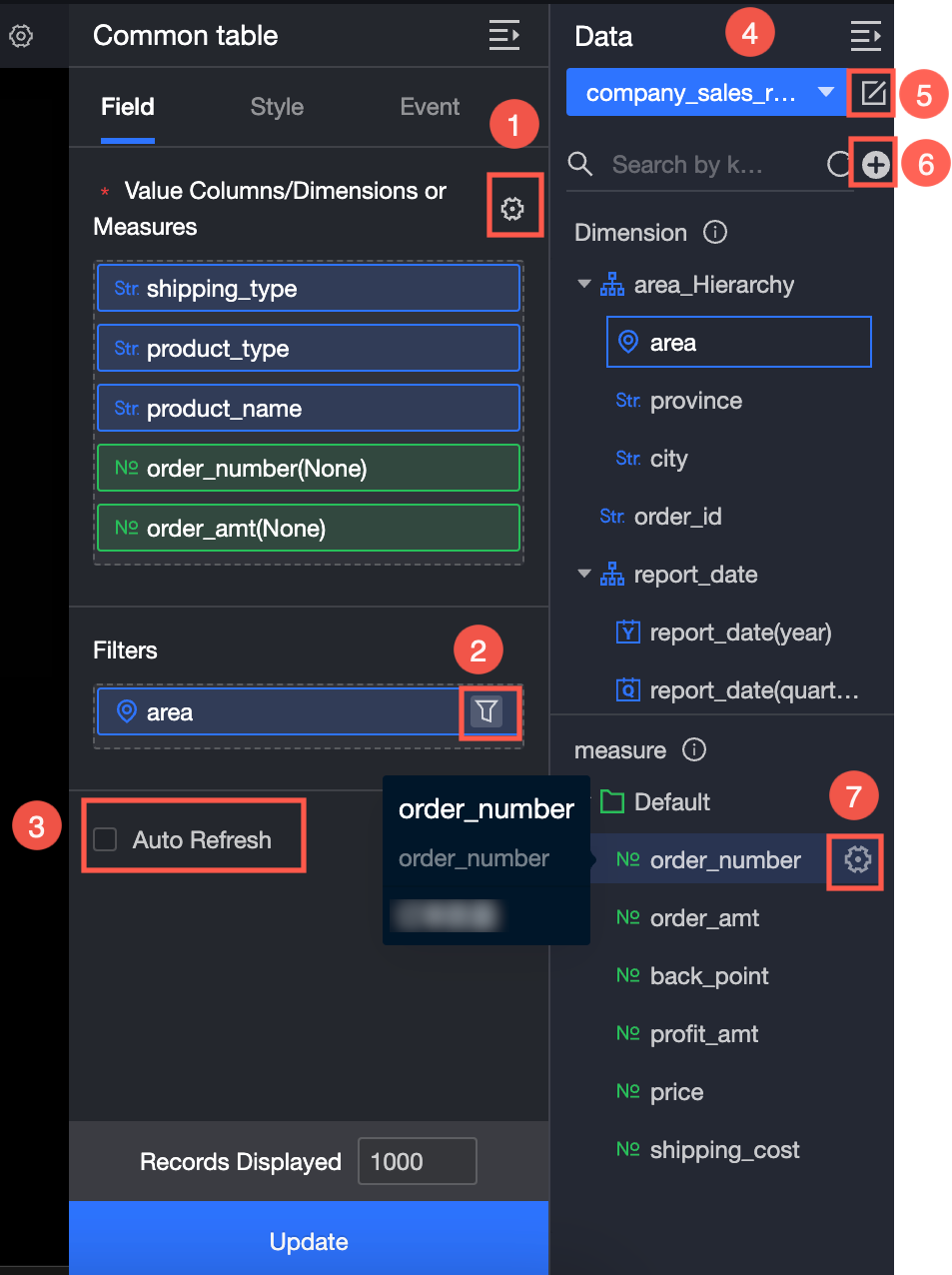
-
Configure multiple field formats. For more information, see Configure multiple field formats.
-
Configure field filtering. For more information, see Filter data.
-
Configure automatic data refresh (③). For more information, see Scheduled data refresh.
-
Switch a dataset. For more information, see Switch a dataset.
-
Edit a dataset. For more information, see Edit a dataset.
-
Data processing (⑥). For more information, see Create Calculated Field and Create Grouping Dimension.
-
Copy fields. For more information, see Copy to Dimension.
Configure Style
Location and size
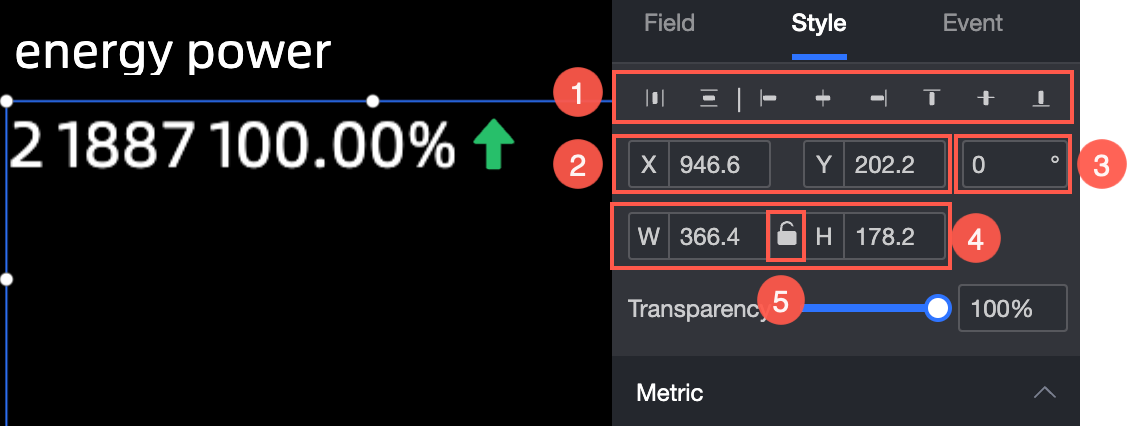
Configure the position and size of the widget:
-
Adjust widget alignment (①): supports left alignment, center alignment, and right alignment.
-
Adjust the size of the widget (②): Use the upper left corner as the origin, set the values of the X and Y axes, and adjust the position.
-
Adjust the angle of the component (③): Set the value of the rotation angle.
-
Adjust the size of the component (④): Set the values of W and H to adjust the width and height of the component.
-
Lock component (⑤): After locking the component, the size of the component cannot be adjusted.
Metric
Configure the following settings in the Metrics section:
-
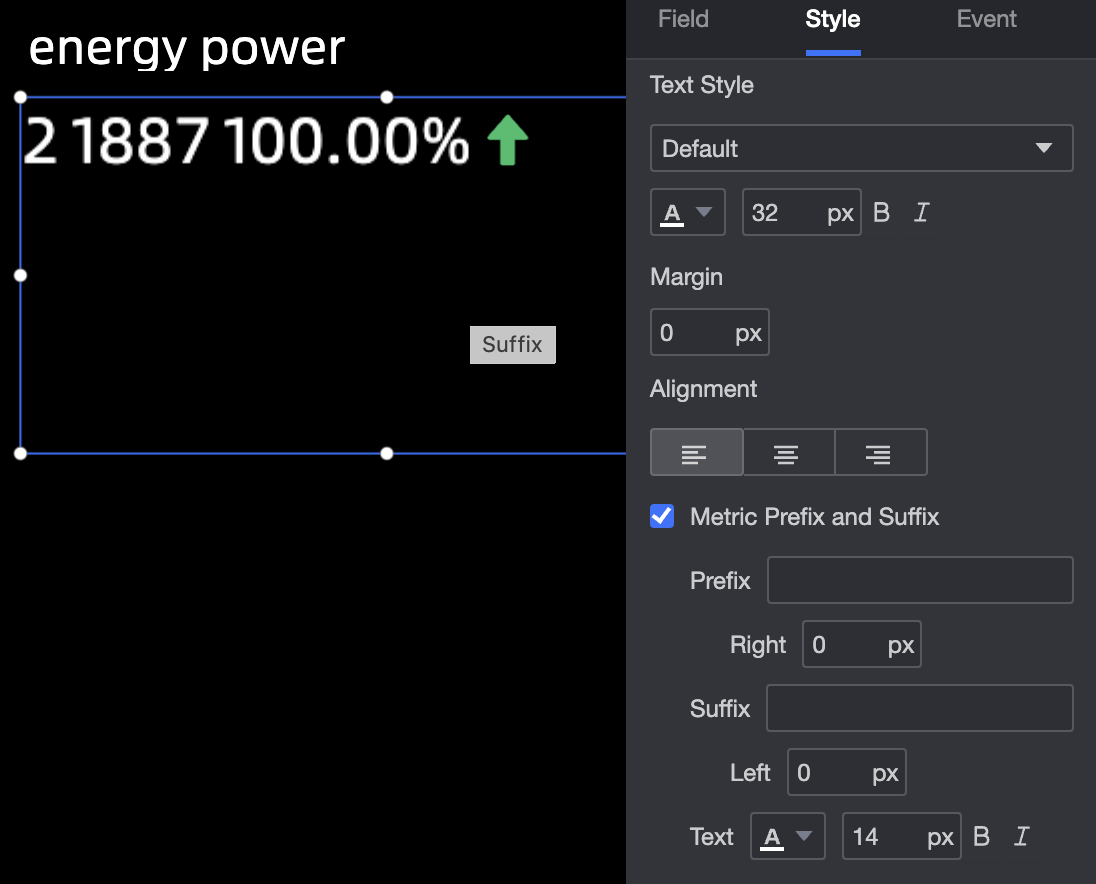
Text Style: Specify the font type, font color, font size, text spacing, and text alignment (left-aligned, center-aligned, and right-aligned).
-
Indicator Prefix and Suffix: Specify the indicator prefix, right margin, indicator suffix, left margin, color, and size.
Animation effect
Configure the following settings in the Animation section:
-
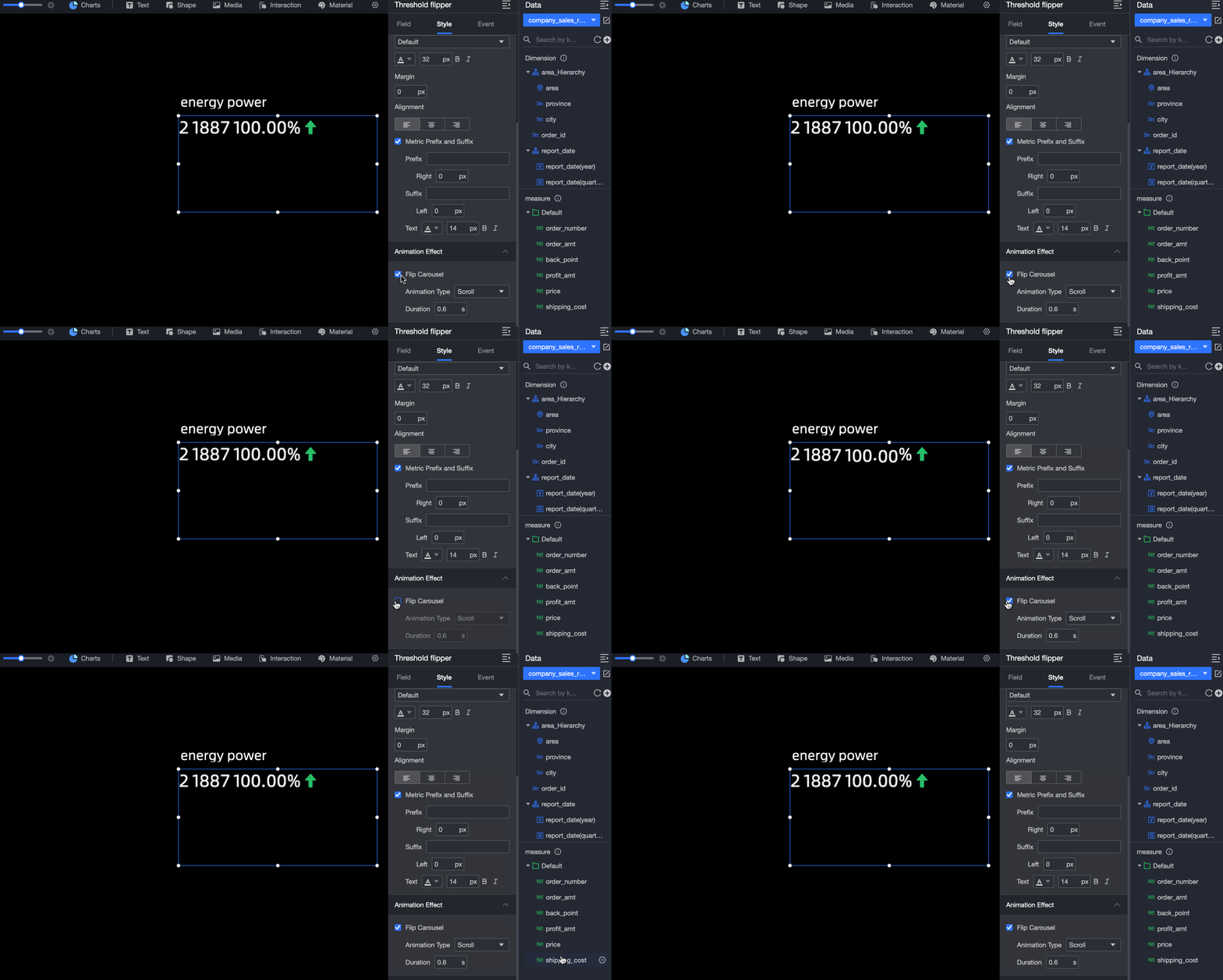
Animation Type: Set the animation type, including the scroll and flip effects.
-
Transition Duration: Specify the transition duration of the animation.
Conditional Formatting
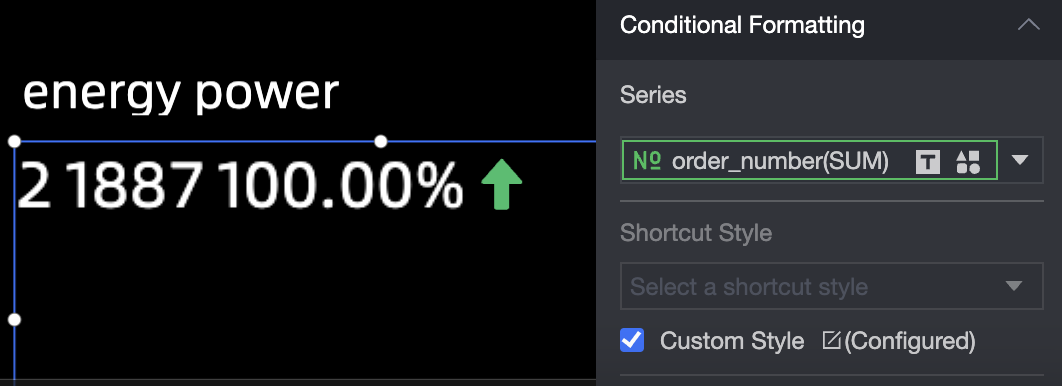
Configure conditional formatting rules for measures in the Conditional Formatting section:
-
Select Series: You can select all measures that you add to the Indicators section.
-
Shortcut Style: Specify the color of the marker icon and font.

-
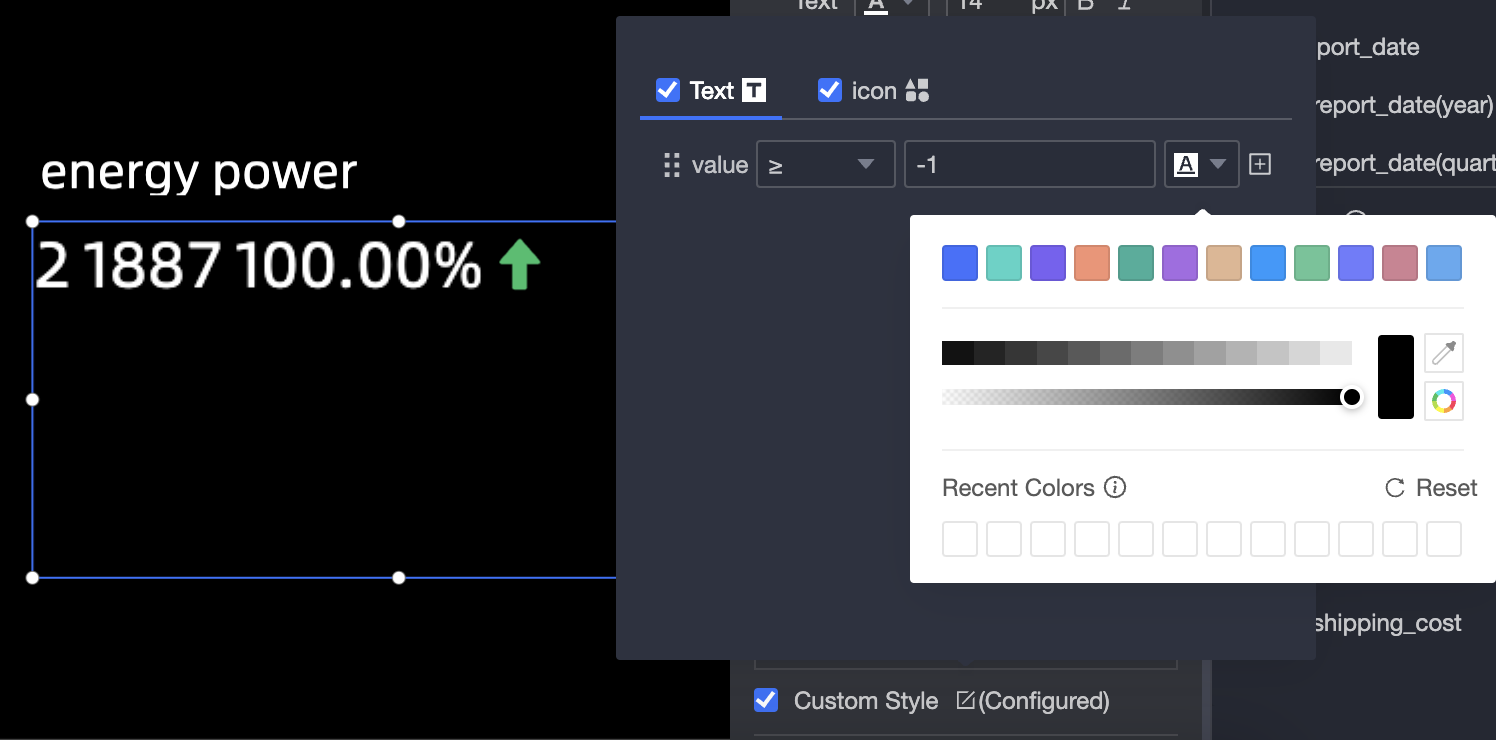
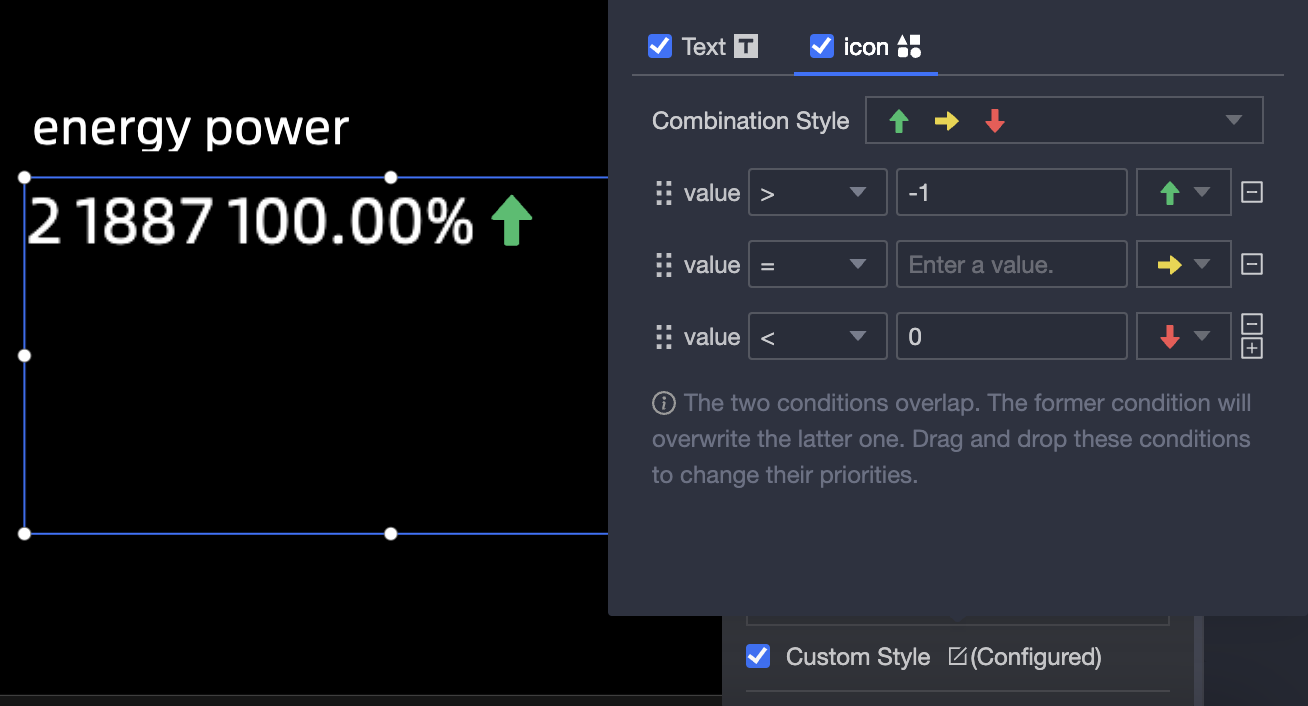
Custom Style: You can customize the text and icon styles. You can also set conditions, mark icons, range values, and font colors.
-
Custom Text: If you select a condition, you can compare it with a static field or a dynamic field.
-
Custom Icon: You can customize Conditional Selection and Combination Style.
-