The mobile number control is an advanced control for entering mobile numbers. It automatically validates the input to ensure it matches the format for mobile numbers in Chinese mainland.
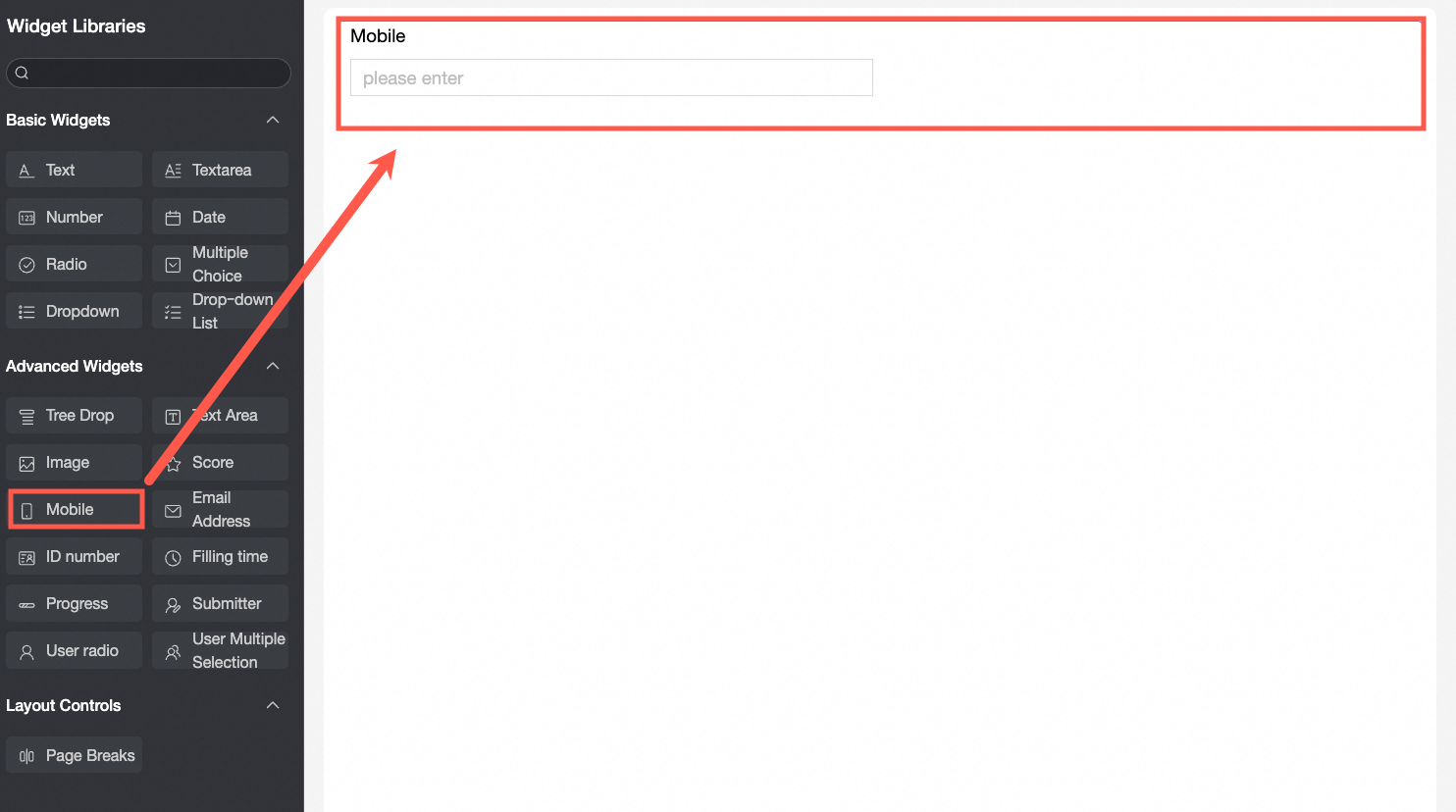
Use cases
Use this advanced control to enter Chinese mainland mobile numbers in scenarios such as:
Recording contact information when entering proof of income.
Entering contact information for new employees during onboarding.
Recording contact information when filling out a satisfaction survey.
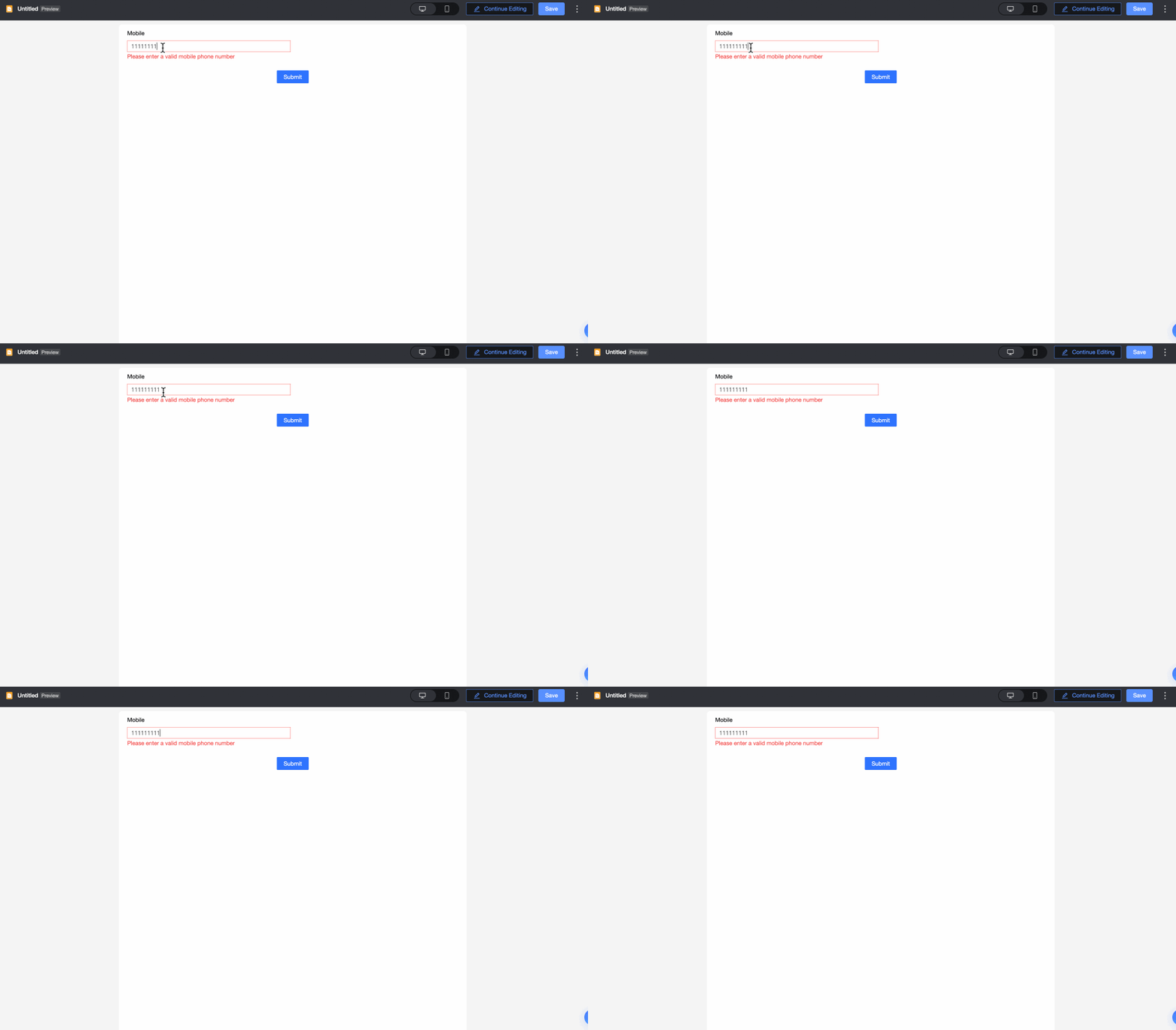
Preview
Control configuration
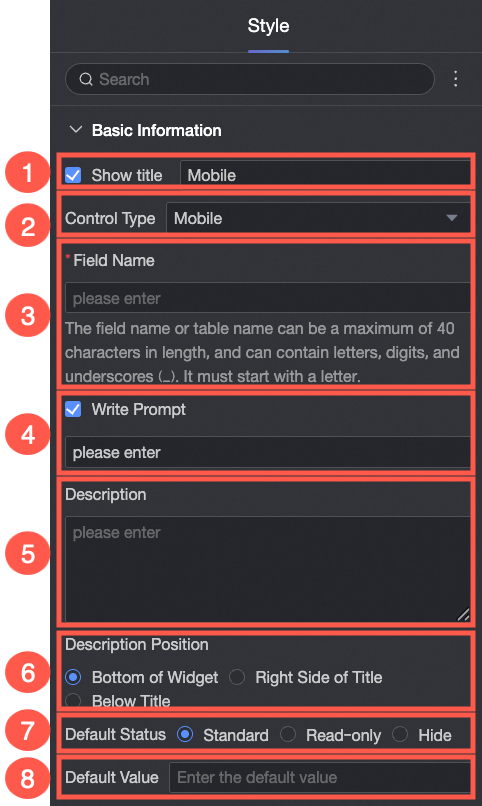
Basic configuration
Parameter | Description |
| ① Display title: Sets whether the title of the mobile number control is displayed. This title is also used as the column name for the submitted data. |
② Control type: Changes the control to a different type. The drop-down list includes other basic and advanced controls. | |
③ Field name: The name of the database field that stores this control's data. Note Field or table names must start with a letter, can contain letters, digits, and underscores (_), and have a maximum length of 40 characters. | |
④ Placeholder: Sets the hint text displayed in the empty control. For example: "Please enter your mobile number".
| |
⑤ Description: Sets a custom description for the control. | |
⑥ Description position: Sets the position of the description. Options include Below the control, Right of the title, and Below the title. | |
⑦ Default state: Sets the default state of the control. Options include Normal, Read-only, and Hidden. | |
⑧ Default value: Sets the default value displayed in the control. |

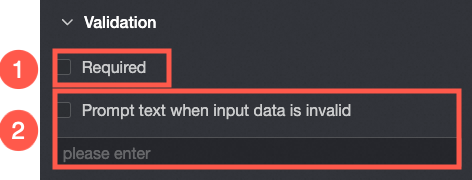
Validation
Parameter | Description |
| ① Required: If selected, the control becomes a required field. |
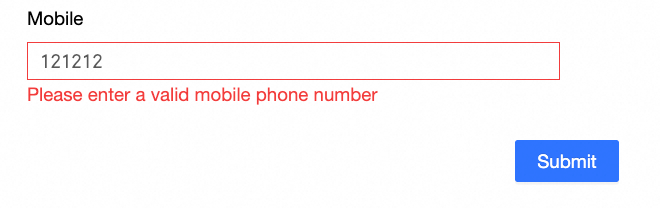
② Validation message: The custom message to display for invalid input. For example: "The mobile number you entered is incorrect." |
Style
Parameter | Description |
| Control width: You can select from two width types: Default and Full width. Note On the data entry page, you can also adjust the width by manually dragging the control's border. |