Work Management
Allowing data to be copied by default can pose security risks. Quick BI Work Management lets organization administrators enable or disable copying for works and control mobile previews when editing mobile reports.
Limits
Only organization administrators can configure Work Management.
Access the feature
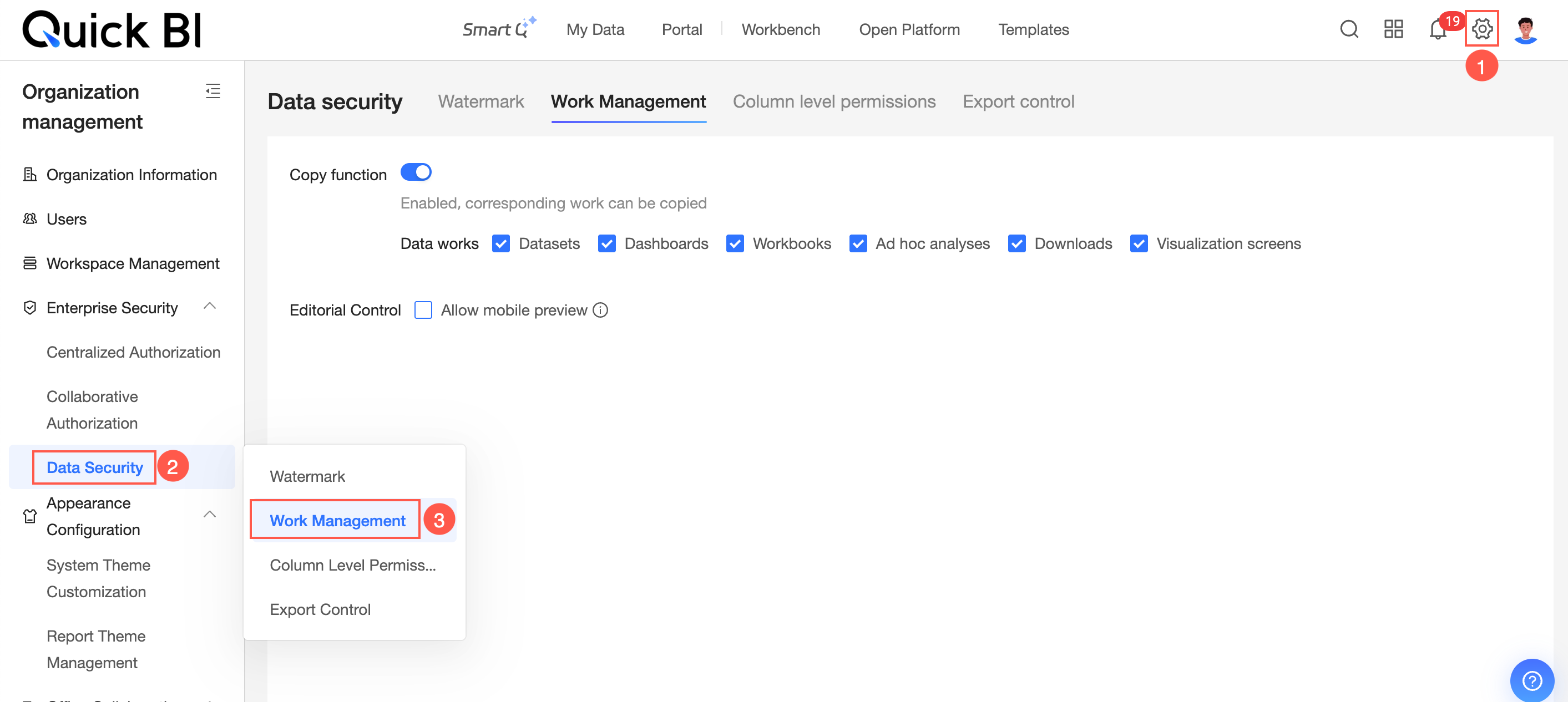
Follow the steps shown in the figure to open the Work Management page.
Configuration details
Copy function
-
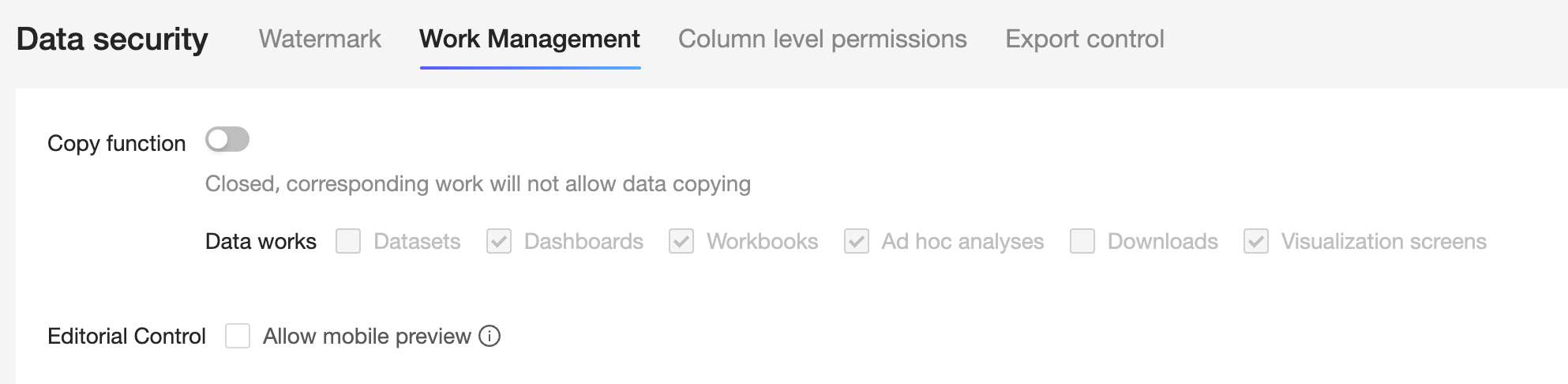
The Copy function is enabled by default. If disabled, no works can be copied.
-
When the Copy function is enabled, you can allow copying for all or some works.
-
Copying includes using keyboard shortcuts, such as Ctrl+C/Ctrl+V and Command+C/Command+V, or right-clicking and selecting Copy.
-
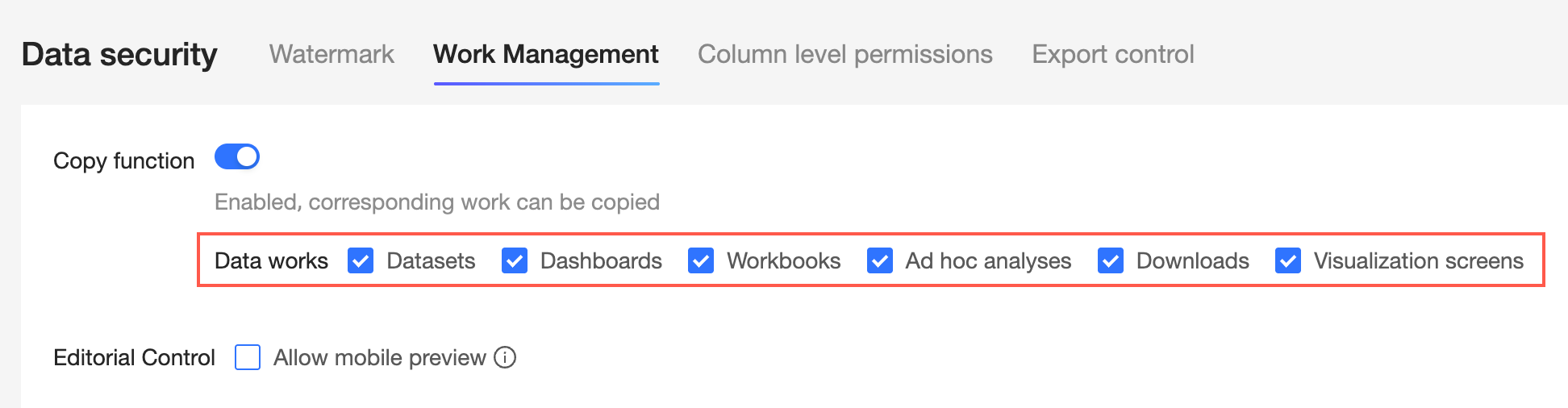
If you select Select All, copying is allowed for datasets, dashboards, workbooks, ad hoc analyses, downloads, and data dashboards.
-
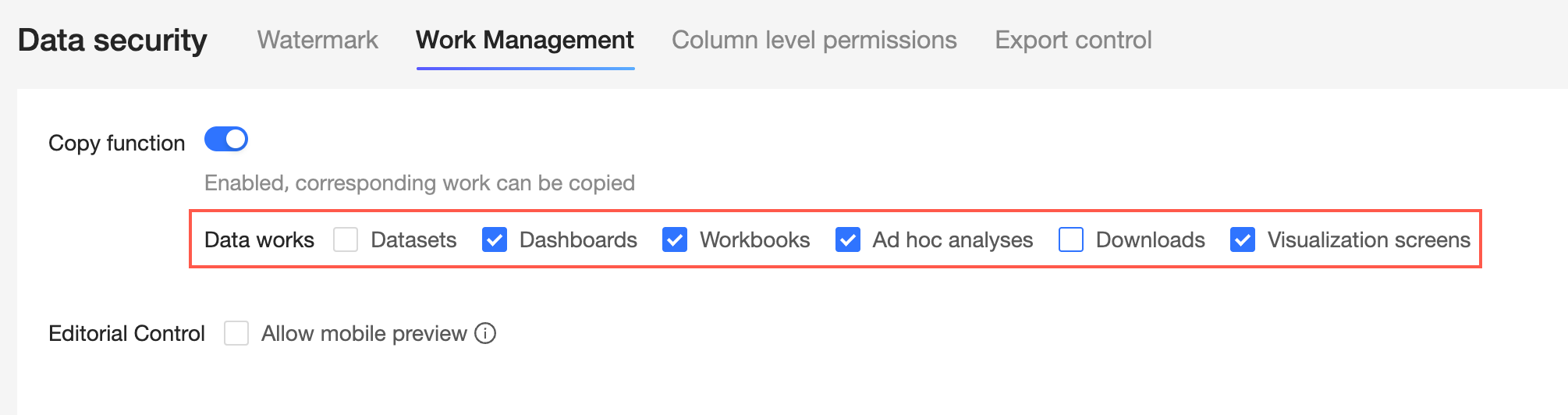
If you select specific items, copying is allowed only for the selected works.
For example, copying is allowed for dashboards, workbooks, ad hoc analyses, and data dashboards, but not for datasets and downloads.
-
If the Copy function is disabled, no works can be copied.
Editing control
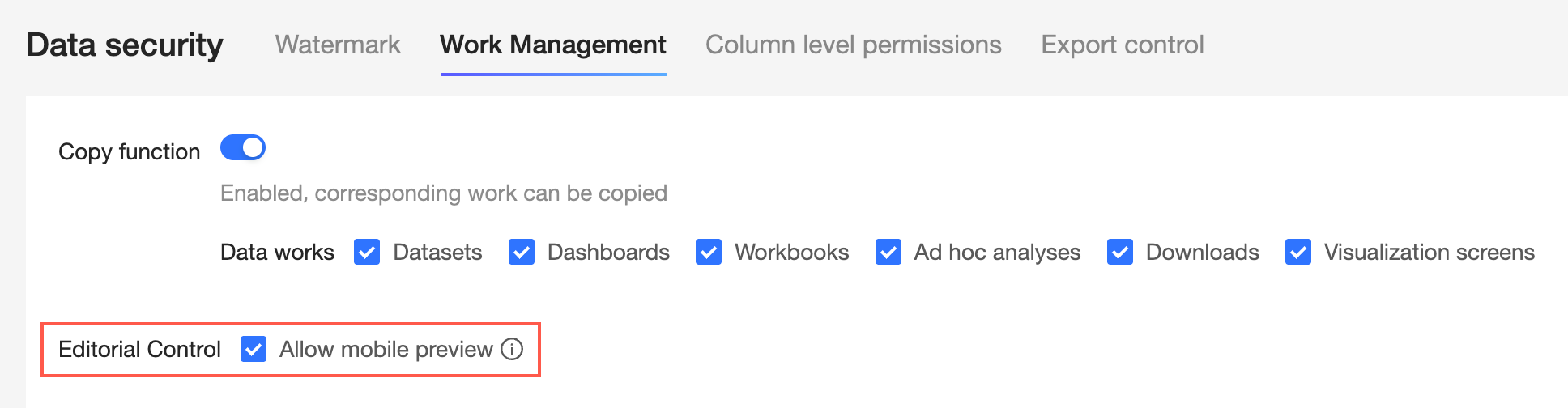
Configure the Allow mobile preview setting.
-
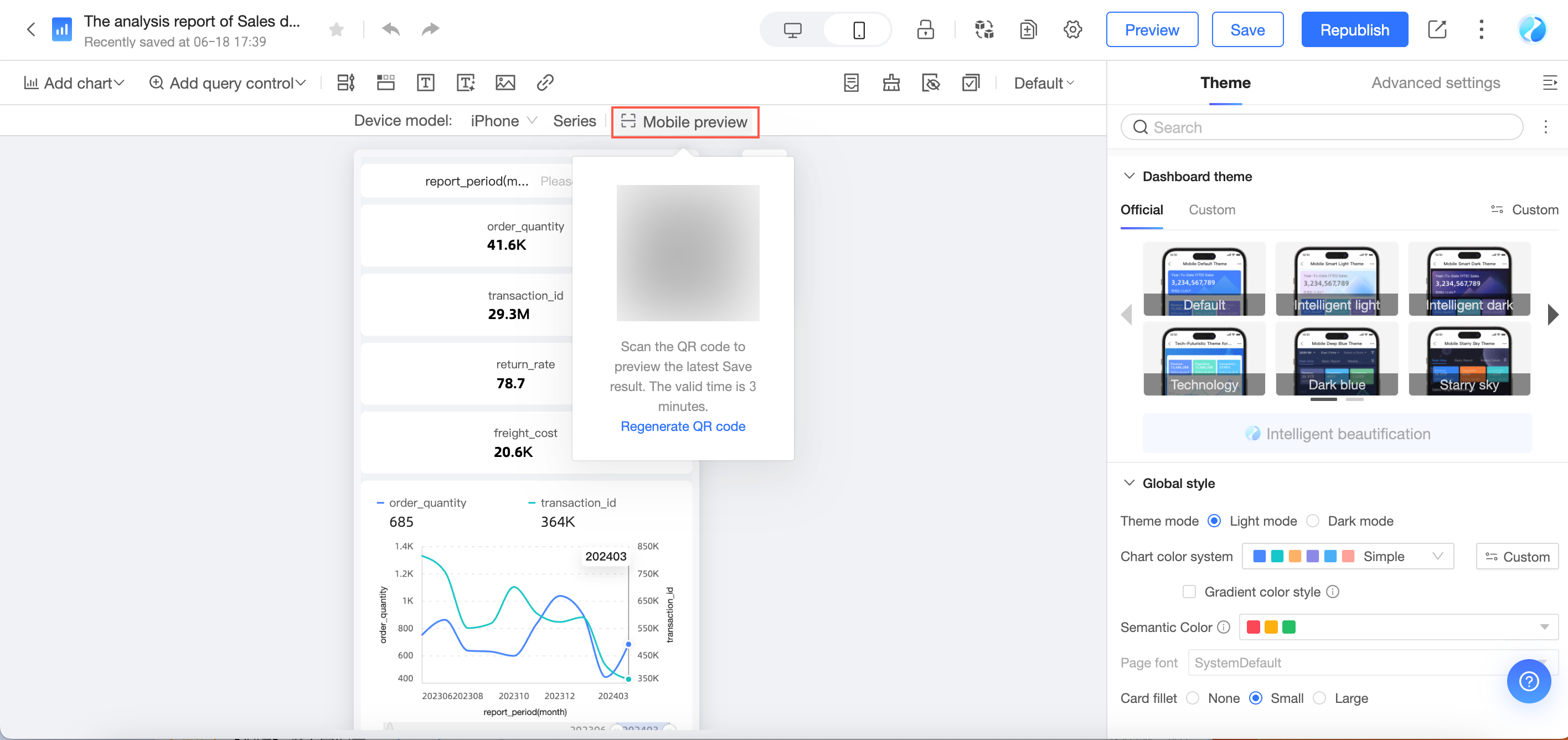
This feature is enabled by default. When enabled, you can scan a QR code while editing a mobile report to preview it for 3 minutes without logging in.

-
If this feature is disabled, the mobile preview entry points in all modules are hidden. You cannot scan a QR code to preview the mobile report while editing.