Delete a sheet
1. Introduction
Prerequisites: Start Excel or Get Opened Excel File
This component deletes a specified sheet from an Excel file.
2. Inputs
For more information about the inputs, see the help text in the component panel of the application flow editor.
3. Outputs
For more information about the outputs, see the help text in the component panel of the application flow editor.
4. Component usage example
4.1. Configuration example
For
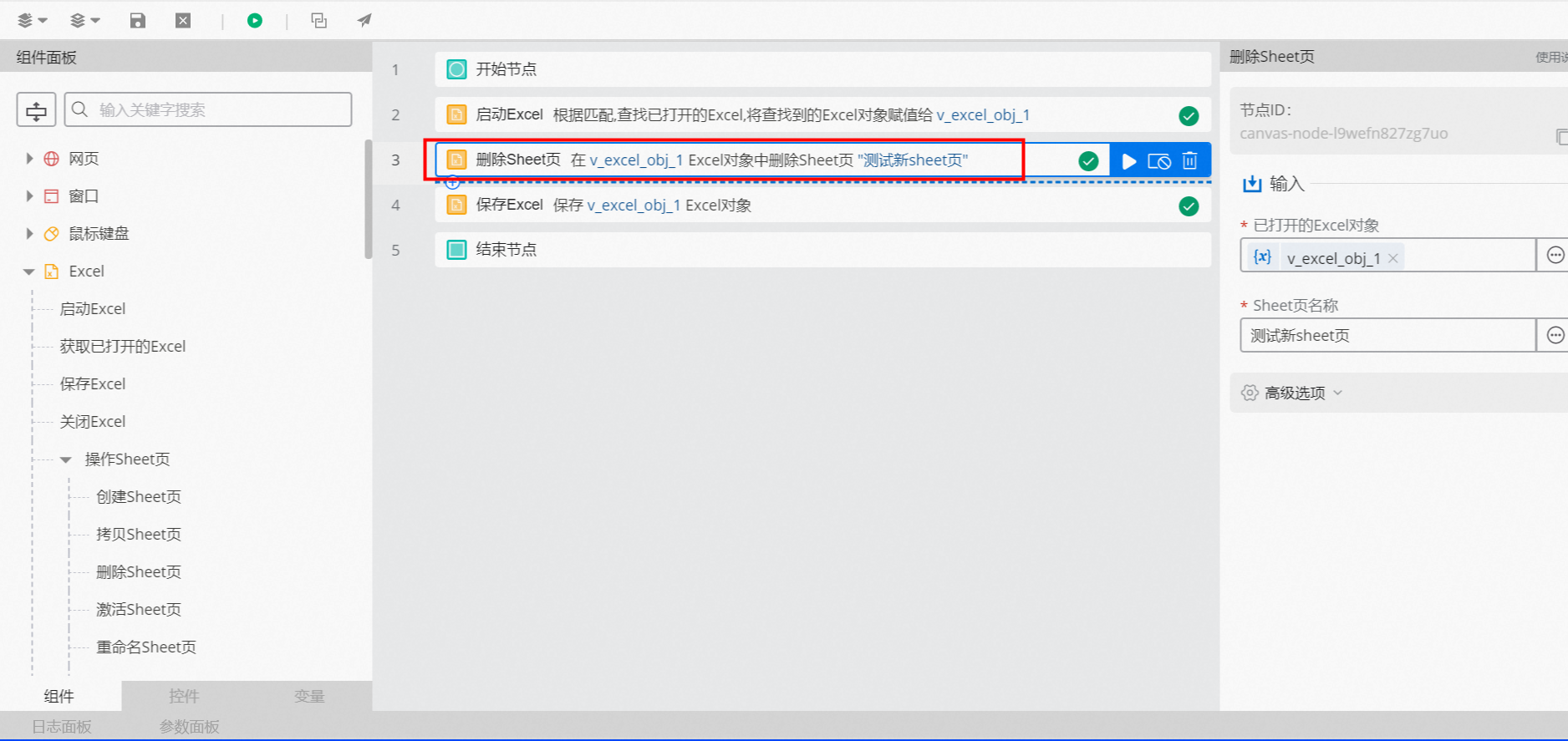
Opened Excel Object, select v_excel_obj_1, which is the output of the Start Excel or Get Opened Excel File component.For
Sheet Name, enter "Test new sheet".Advanced Option Defaults
4.2. Example result
None
5. Sample flow
Setup flow
Use the Get Opened Excel File component to obtain the object of an opened Excel file.
Use the Delete Sheet component to delete the specified sheet.
Use the Save Excel component to save the Excel file.
Result
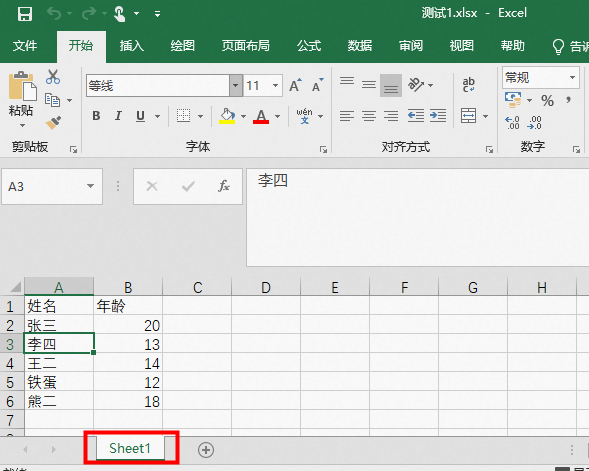
After the flow runs successfully, it automatically retrieves the opened Excel file, deletes the specified sheet, and then saves the file. The following figures show the result.