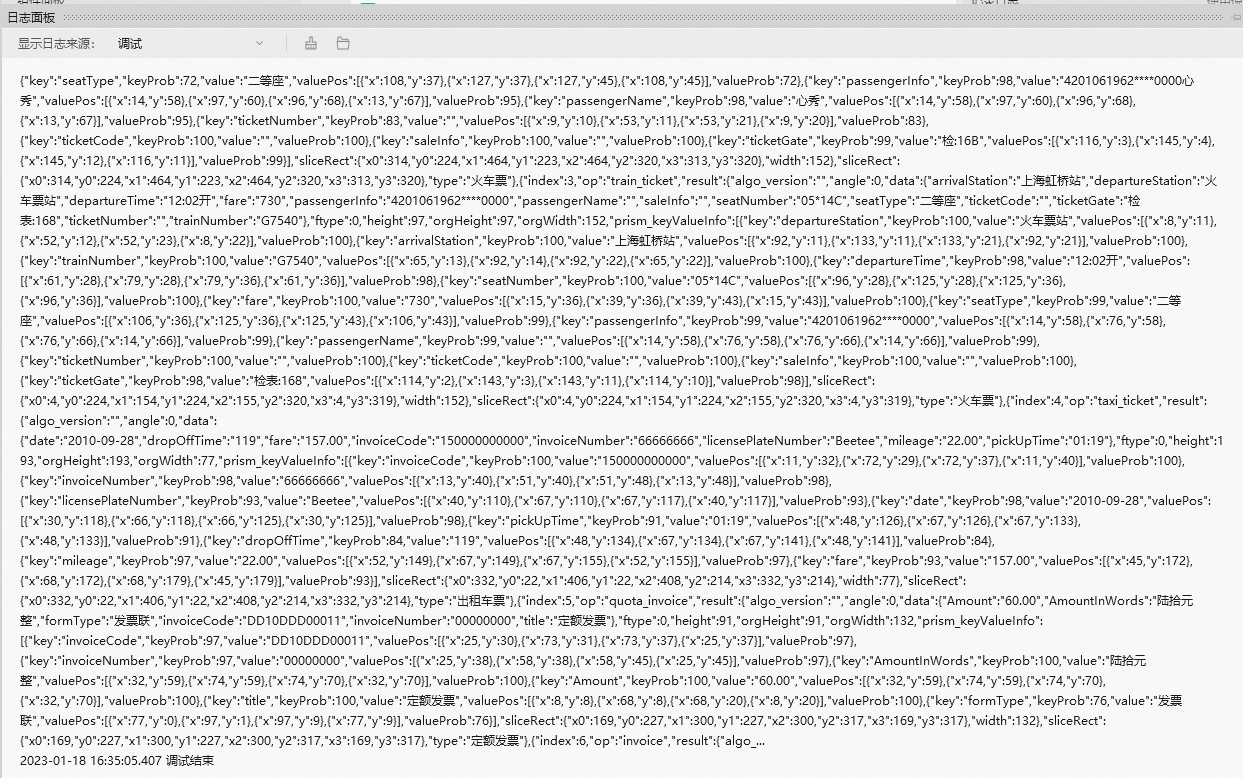
OCR for mixed invoices
1. Component overview
Prerequisites: None
Recommended next component: Conditional Branch. You can use this component to check if the OCR call is successful and then design the subsequent flow.
Use this component with Optical Character Recognition (OCR) to recognize key fields on various invoices, such as invoice code and total amount including tax (example).
2. Inputs
For more information about each input, see the component panel in the application flow editor.
3. Outputs
For more information about each output, see the component panel in the application flow editor.
3.1. Key API results
This API does not return key results. You must process the raw API results to obtain the required information.
3.2. Error message
This output returns the error code and error message as a string. For more information, see the OCR API Error Code Center.
https://next.api.aliyun.com/document/ocr-api/2021-07-07/errorCode
4. Component example
4.1. Configuration example
In AI Engine, select Alibaba Cloud OCR.
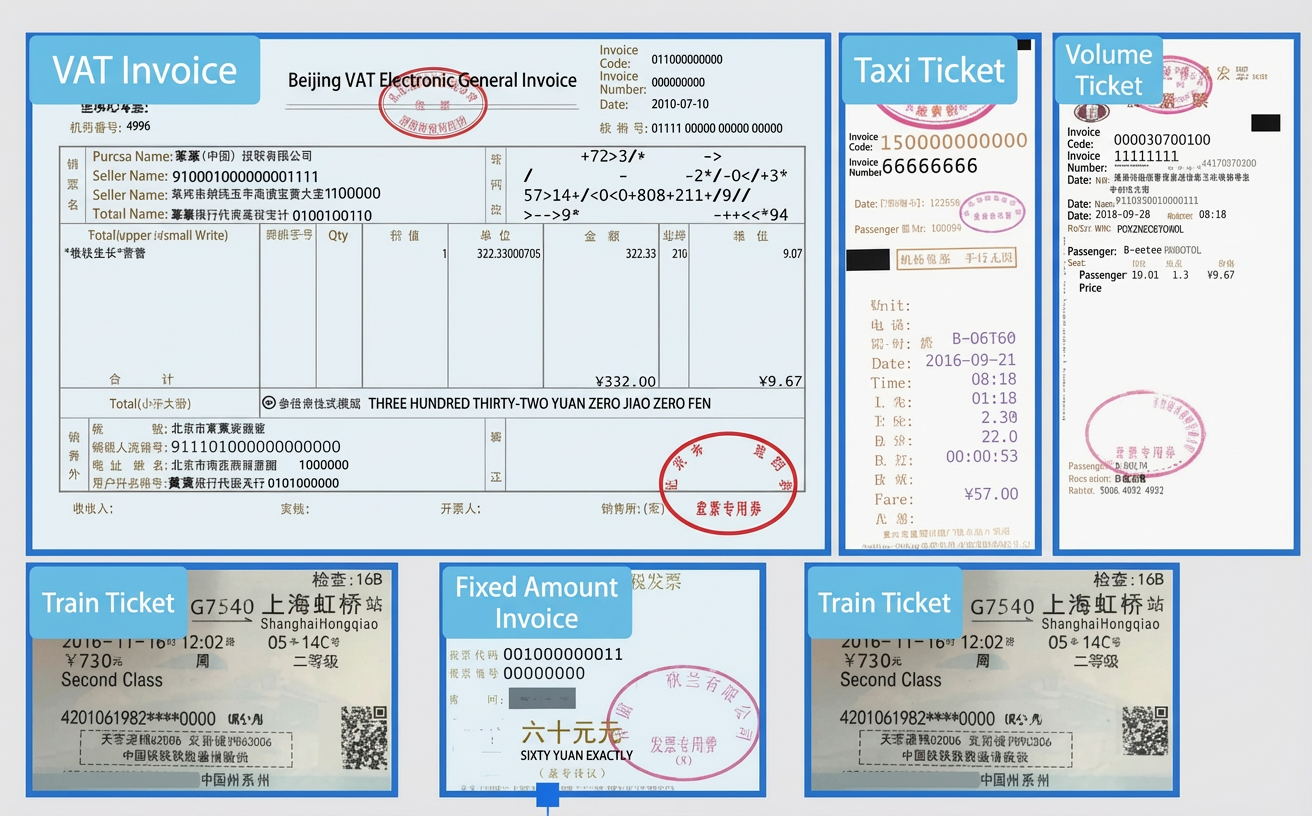
In Image File Path to Recognize, enter the file path of the image to be recognized. This example uses the following image.
Keep the default values for the advanced options.
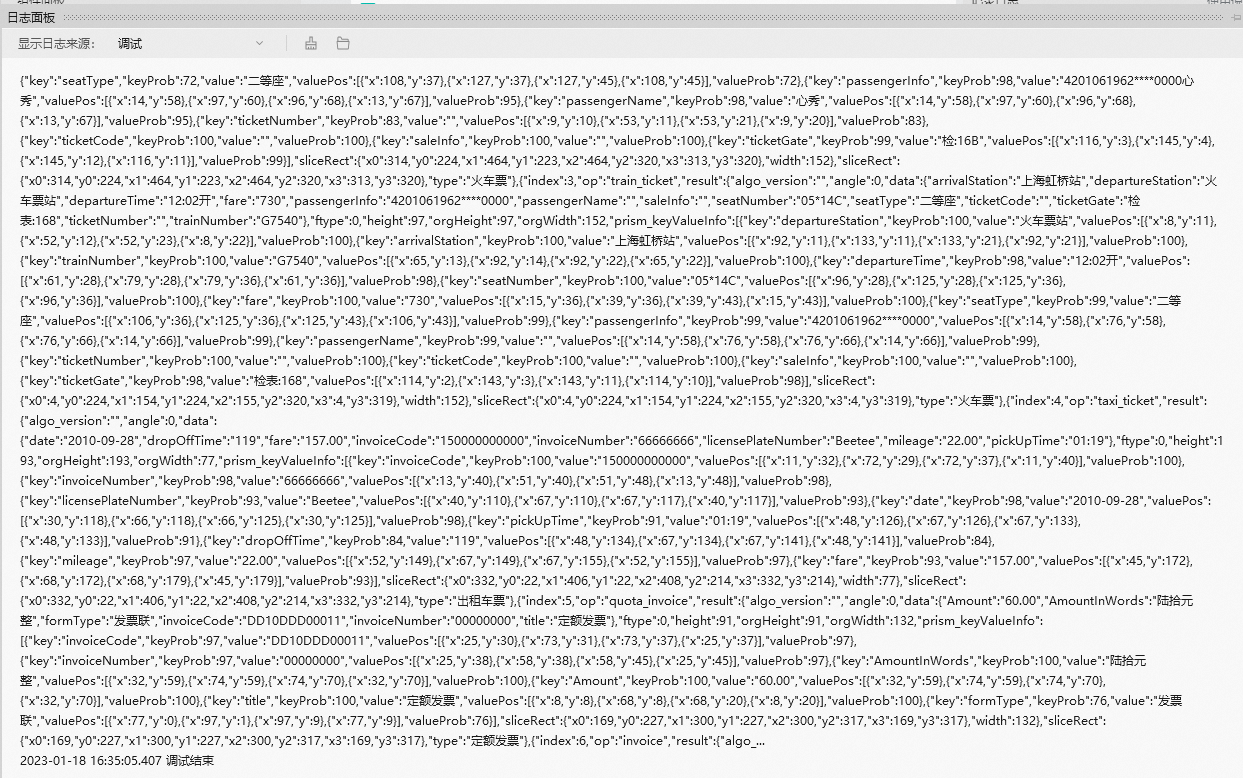
4.2. Example result
5. Flow example
5.1. Setup flow
Use the OCR for mixed invoices component to select the file path of the image to recognize.
Use the Conditional Branch component to check if the OCR call was successful. The condition is that v_recognize_mixedinvoices_success_1 is equal to the Boolean value True.
In the success branch, use the Get Value of Specified Key component to retrieve the raw API result.
Use the Record Log component to print the raw result.
In the failure branch, use the Record Log component to print the error message.
5.2. Result
If the OCR call is successful, the recognition result is printed in the log panel, as shown in the following figure.