Troubleshoot devices
Query device information by device ID to troubleshoot push issues, such as failed pushes.
Procedure
Log on to the EMAS console and select the Mobile Push product.
On the Mobile Push page, in the navigation pane on the left, choose Troubleshooting Tools > Troubleshoot Device.
On the Troubleshoot Device tab, enter the Device ID and click Query to view the device details.
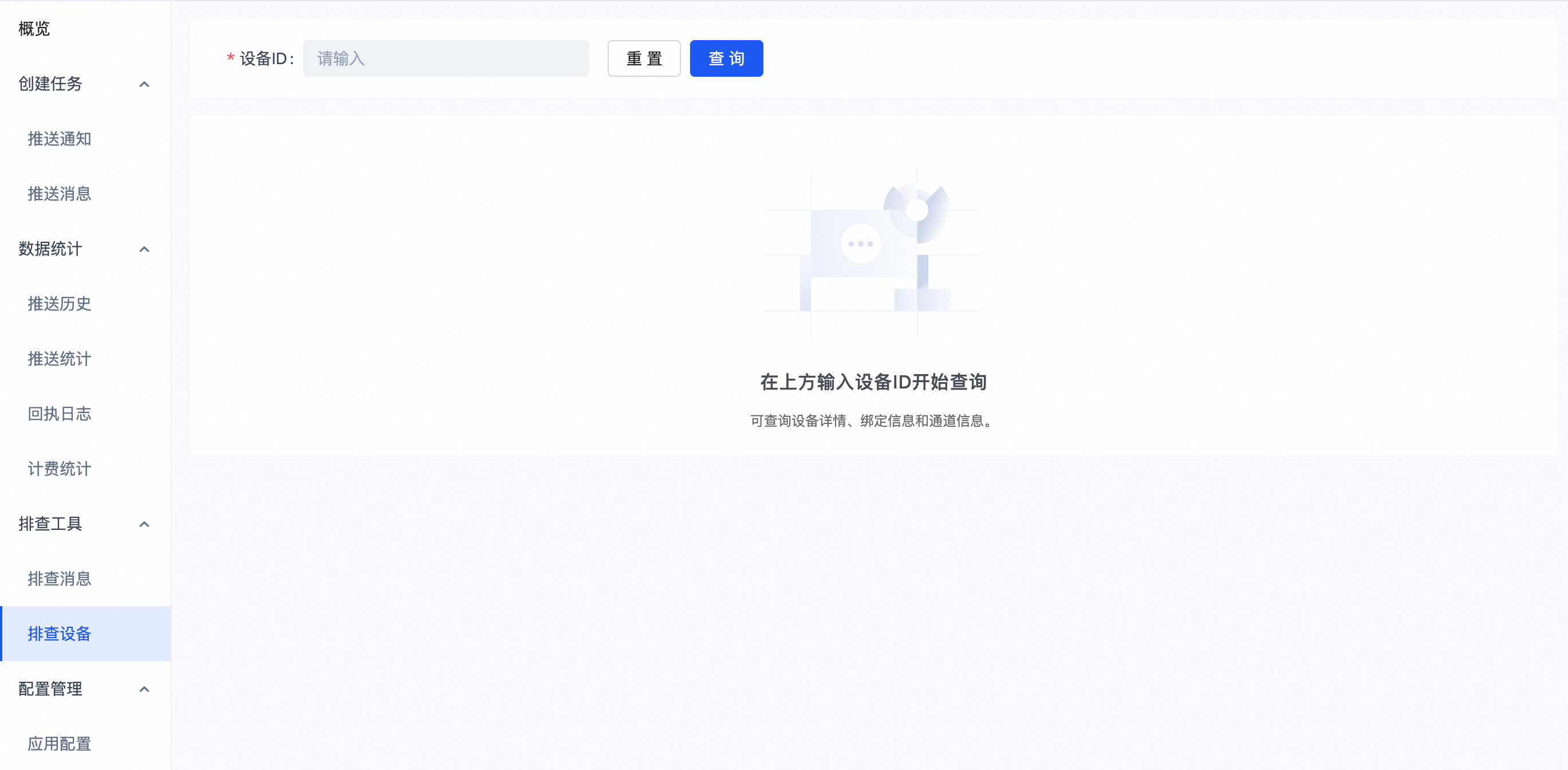
The troubleshooting results for a device include three sections:
1. Device information
On the Troubleshoot Device page, you can use the device ID to view device information and check for abnormal statuses. For example, a push may succeed but not appear on the device because the notification bar is disabled.
2. Channel information
A mobile device can be bound to multiple vendor channels. To uniquely identify itself, the device requests a token from each vendor channel. You can use the channel token to query device information on the vendor's push platform.
3. Binding information
You can check the binding information to find details such as the account and phone number previously bound to the device.