Grant permissions to a RAM user
You can use an Alibaba Cloud account or a Resource Access Management (RAM) user to control access to App Performance Analytics. To allow a RAM user to use App Performance Analytics features, the Alibaba Cloud account must grant the required permissions to the RAM user.
Prerequisites
You have registered an Alibaba Cloud account and are logged in. For more information, see Account Management.
You have activated the Multiexperience Development Platform (EMAS) service. For more information, see Activate the service.
Procedure
Open the RAM console
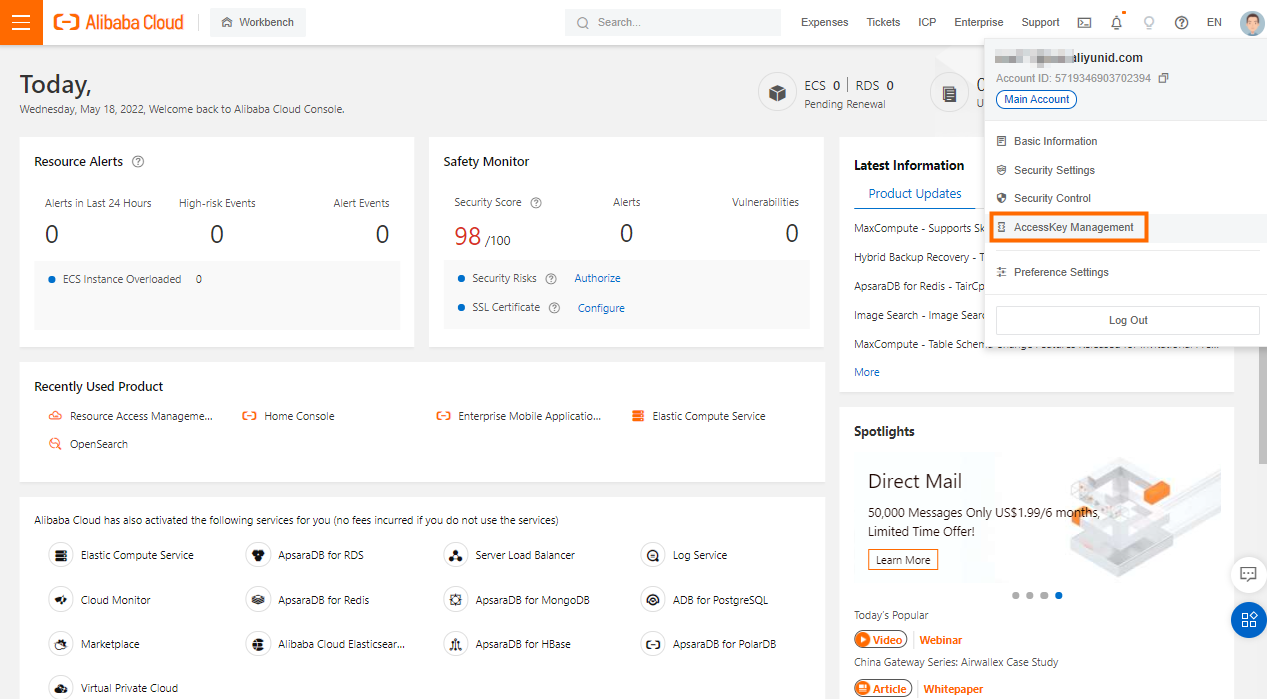
On the home page of the Alibaba Cloud Management Console, move the mouse over your profile picture in the upper-right corner to open the shortcut menu.
In the shortcut menu, select Resource Access Management to open the RAM Access Control page.
Create an entity
You can control access by creating an entity, such as a user, user group, or RAM role.
On the Resource Access Management page, perform the following steps:
Create a RAM user. For more information, see Create a RAM user.
Create a user group. For more information, see Create a user group.
Create a RAM role. For more information, see Overview of RAM roles.
Grant permissions
On the Resource Access Management page, click Permission Management > Authorization. The Authorization page opens.
On the Authorization page, click the Add Authorization button to open the panel on the right.
In the panel on the right, configure the following authorization settings:
Option
Procedure
Authorization Scope
Select Entire Alibaba Cloud Account.
Authorized Entity
Enter a keyword to search for and select the created user, user group, or RAM role. For more information, see Create an entity.
Select Permissions
Select the System Policy or Custom Policy option.
Enter keywords to search for the system policies for App Performance Analytics and EMAS. The policies include the following:
AliyunMHubFullAccess: Grants full management permissions on EMAS.
AliyunMHubReadOnlyAccess: Grants read-only permissions on EMAS.
AliyunEMASAppMonitorFullAccess: Grants full management permissions on EMAS Crash Analytics, App Performance Analytics, and Remote Log Access.
AliyunEMASAppMonitorReadOnlyAccess: Grants read-only permissions on EMAS Crash Analytics, App Performance Analytics, and Remote Log Access.
Custom policies include read permissions for the added user list. For more information, see Grant permissions to a RAM user.
As needed, select the system policies for EMAS and App Performance Analytics and add them to the Selected list on the right.
ImportantSelect at least one system policy for EMAS.
Select at least one system policy for App Performance Analytics.
Click OK to save the settings.
Related content
RAM is an Alibaba Cloud service. For more information, see Resource Access Management.