The Grayscale Release tab lets you assign different H5 App versions to specific user groups. Each group receives the version that matches its assigned grayscale release plan.
Set up release rules
Configure advanced targeting rules in Development Configuration > Release Rule Management. Available rule dimensions include city, device model, mobile OS version, network type, and platform (iOS and Android).
For details on creating and managing release rules, see Release rule management.
Create a grayscale release
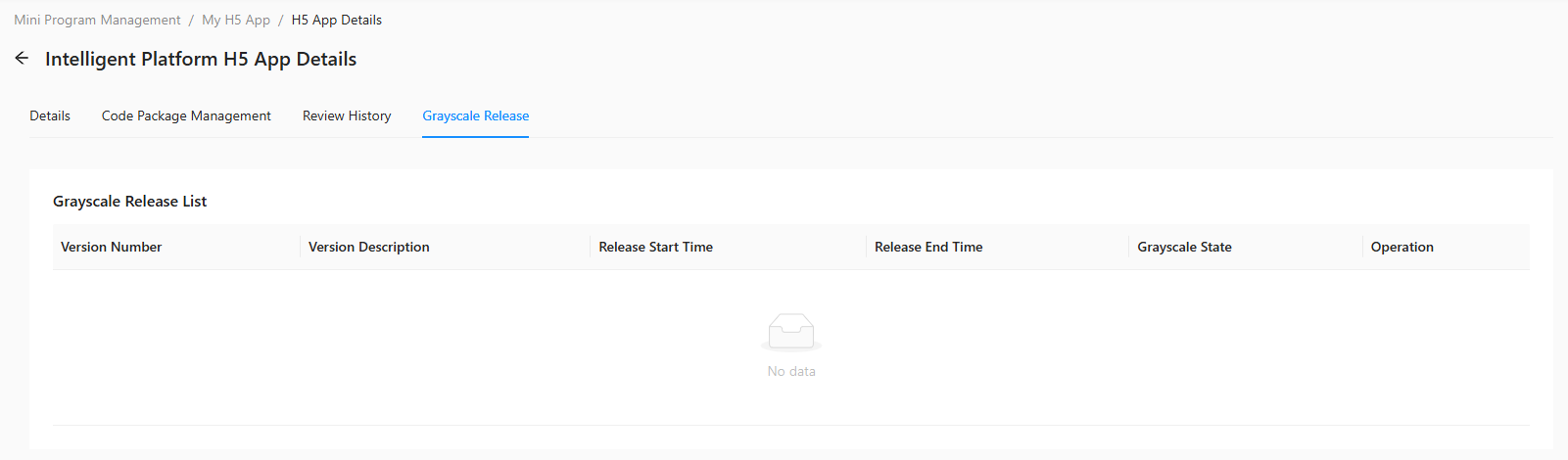
Monitor and manage an active release
After a grayscale release goes live, monitor its progress and take follow-up actions in Release Rule Management.
该文章对您有帮助吗?