On the Canary Release tab, you can configure canary release versions for your miniapp so that different users access different versions based on your release plan.
Configure advanced canary release rules in Developer Configuration > Publishing Rule Management. Supported rule criteria include city, device model, mobile OS version, network type, and platform (Apple and Android). For more information, see Publishing Rule Management.
The Canary Release tab displays a list of canary releases.
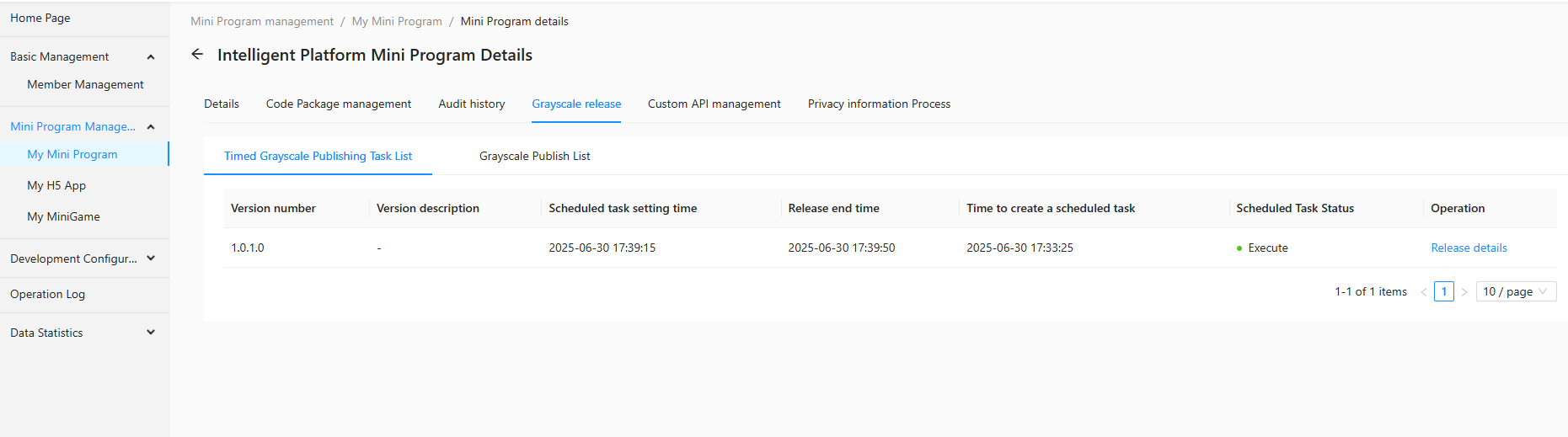
Scheduled canary release task list
Each task shows the Version Number, Version Description, Scheduled Time, Release End Time, Creation Time, and Task Status. Click Release Details in the Operations column to view task details.

Canary release list
Each version shows the Version Number, Version Description, Release Start Time, Release End Time, and Canary Status. Click Release Details in the Operations column to view details. For releases with a status of In Progress, you can also pause or end the release.
