Manage APIs from a single page — view details and submit APIs for admin review.
The custom API management page organizes APIs into three tabs based on their access state. From this page, you can View API details and Submit API for review.
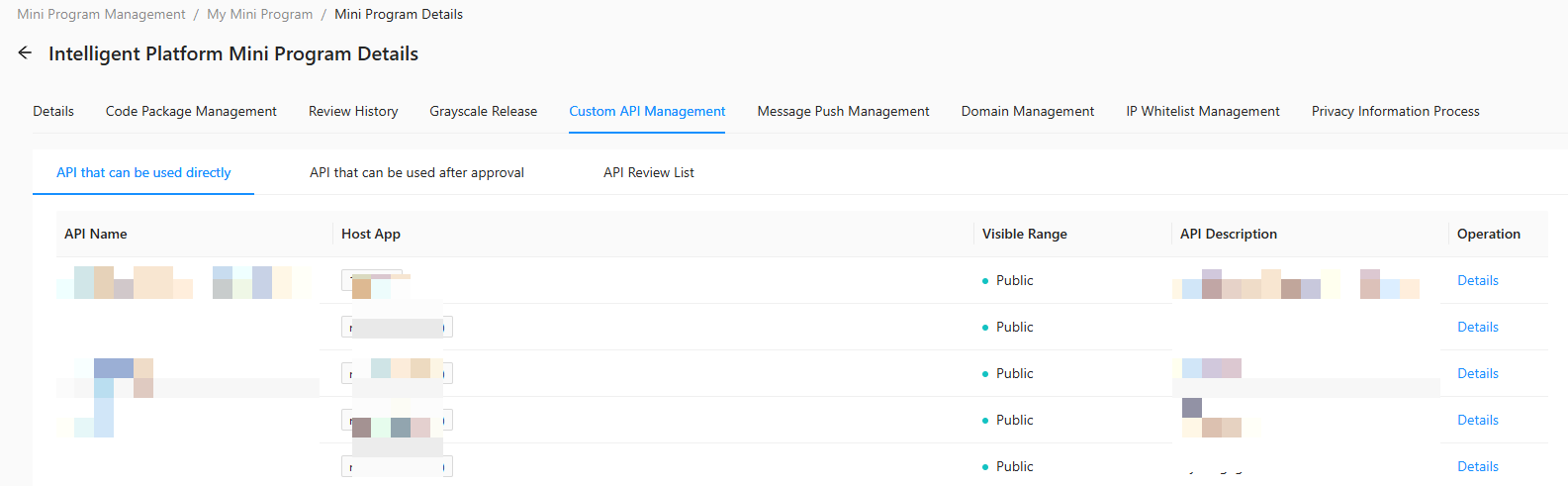
API that can be used directly — APIs available for immediate use without any approval.
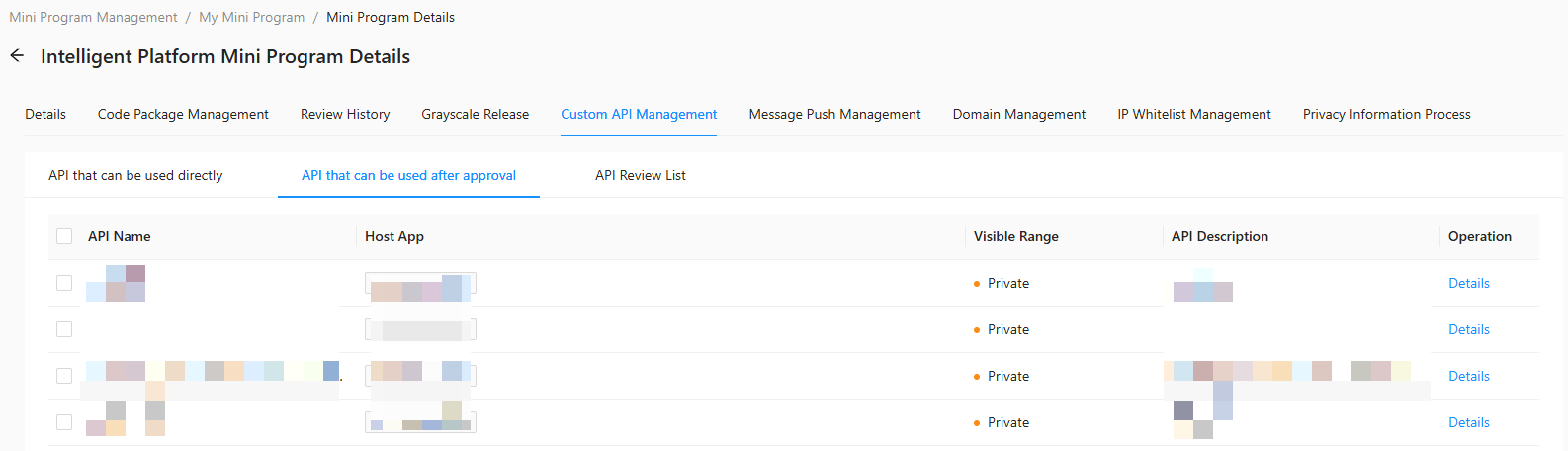
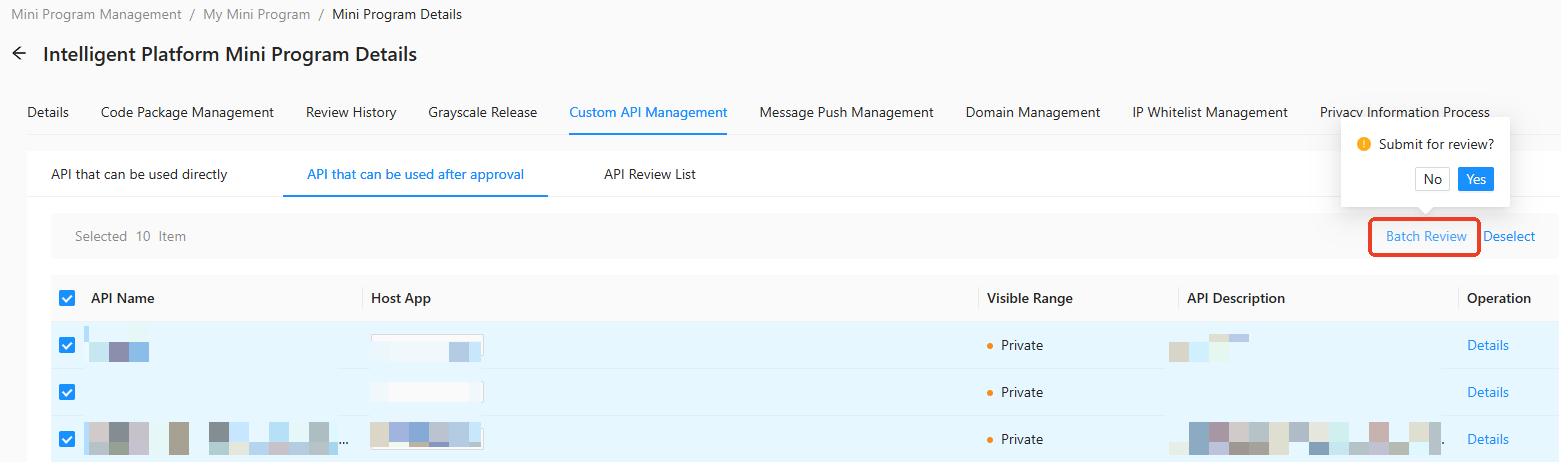
API that can be used after approval — APIs that require admin review before use. Select APIs in this tab to submit a review request.
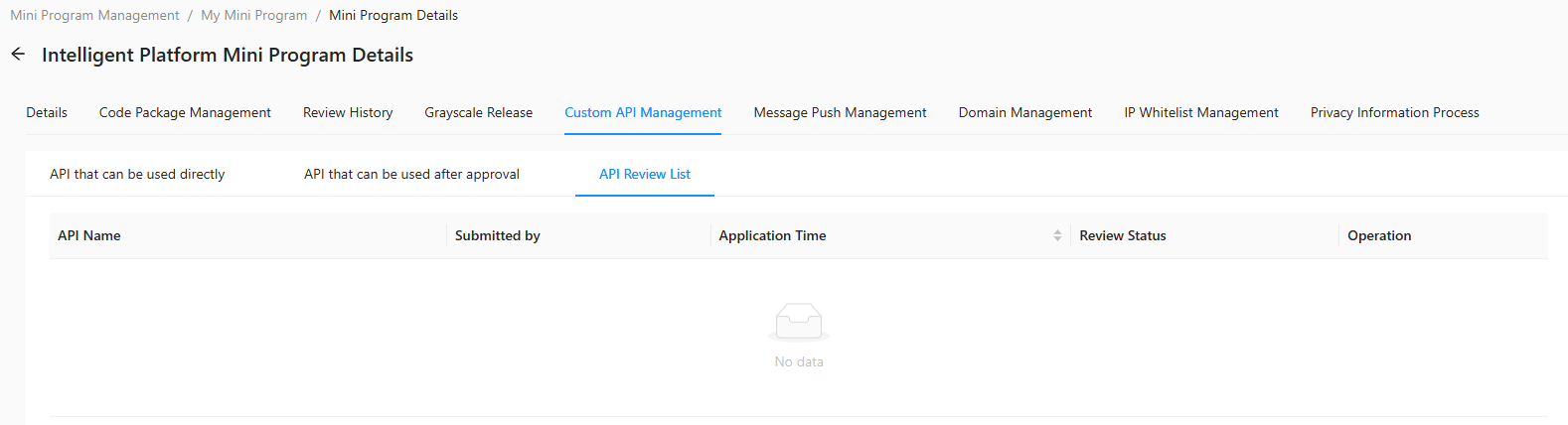
API Review List — APIs already submitted for review, showing their current review status.
API that can be used directly
API that can be used after approval
API Review List
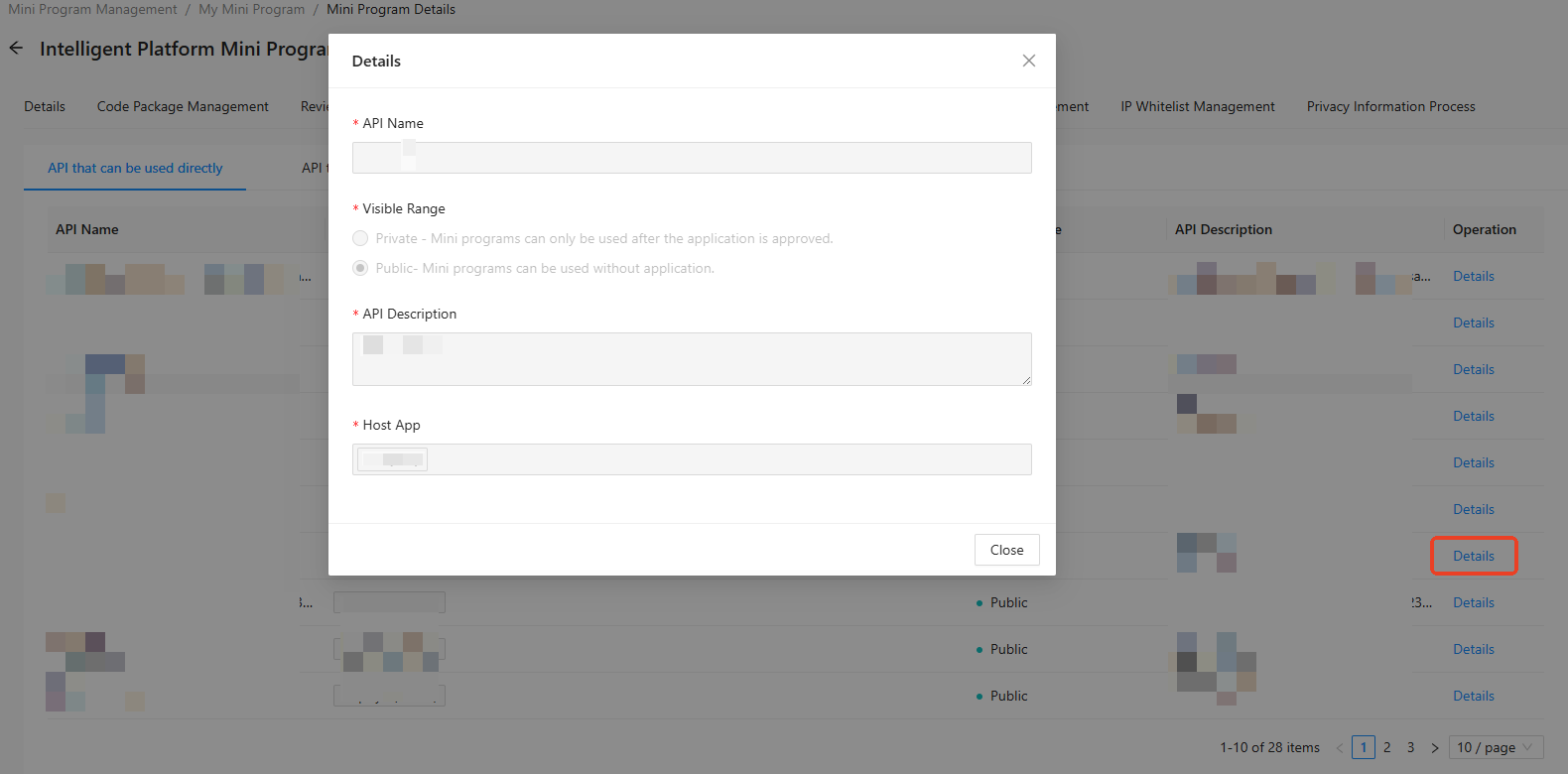
View API details
In any tab — API that can be used directly, API that can be used after approval, or API Review List — click Details in the operation column for the API you want to inspect.
Submit API for review
In the API that can be used after approval tab, select the APIs to submit for review.
-
Click Batch Review. After confirmation, the review request is submitted.
 Note
NoteThe submitted APIs are reviewed in Custom API application review in Mini Program Development Platform > Admin Backend.