Create Ocean Engine Push Tasks
Create a push task to push audience to the ocean engine.
Procedure
Choose Workspace> User Marketing > Advertising Marketing > Ocean Engine.
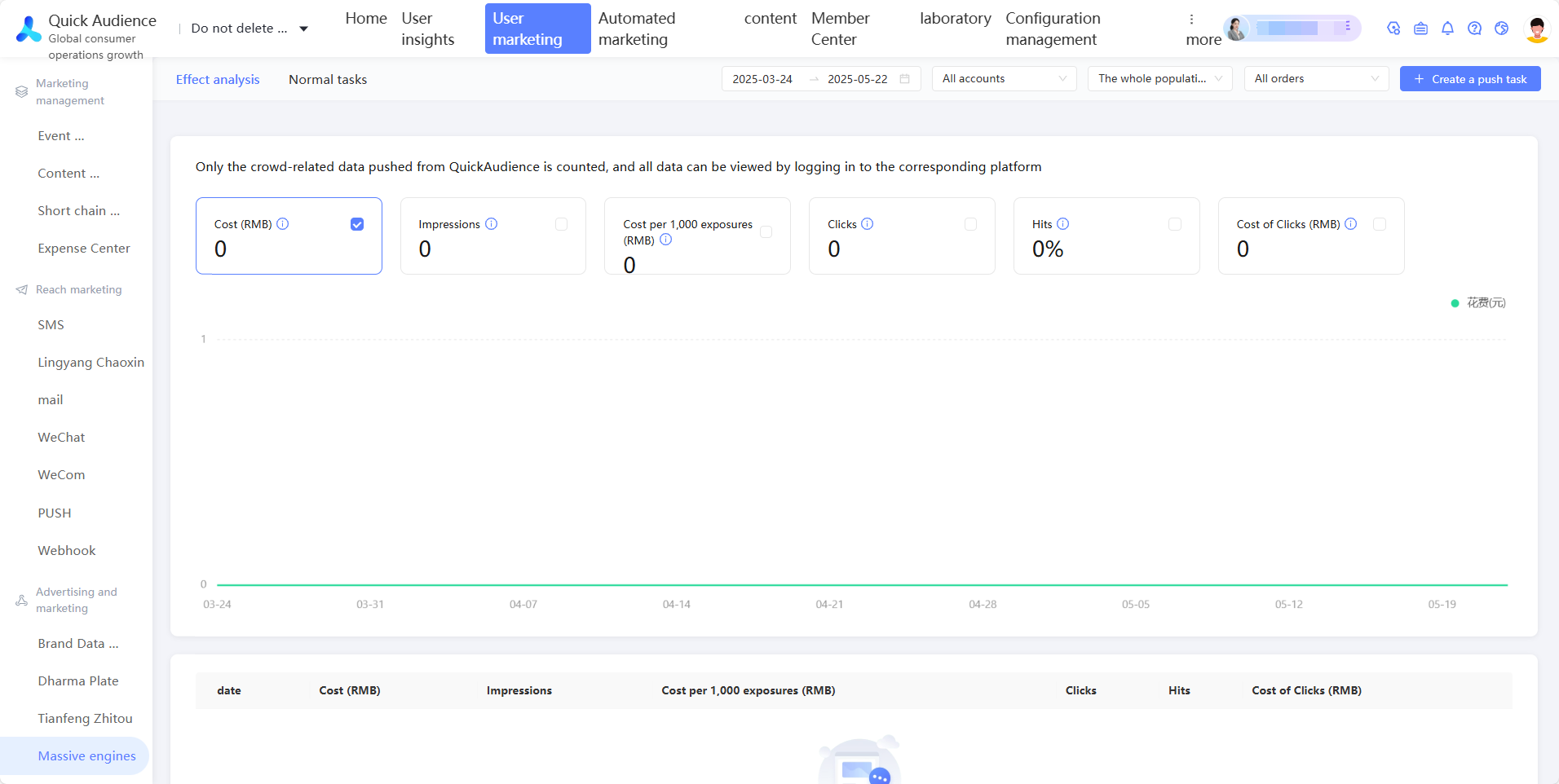
Click Create Push Task.
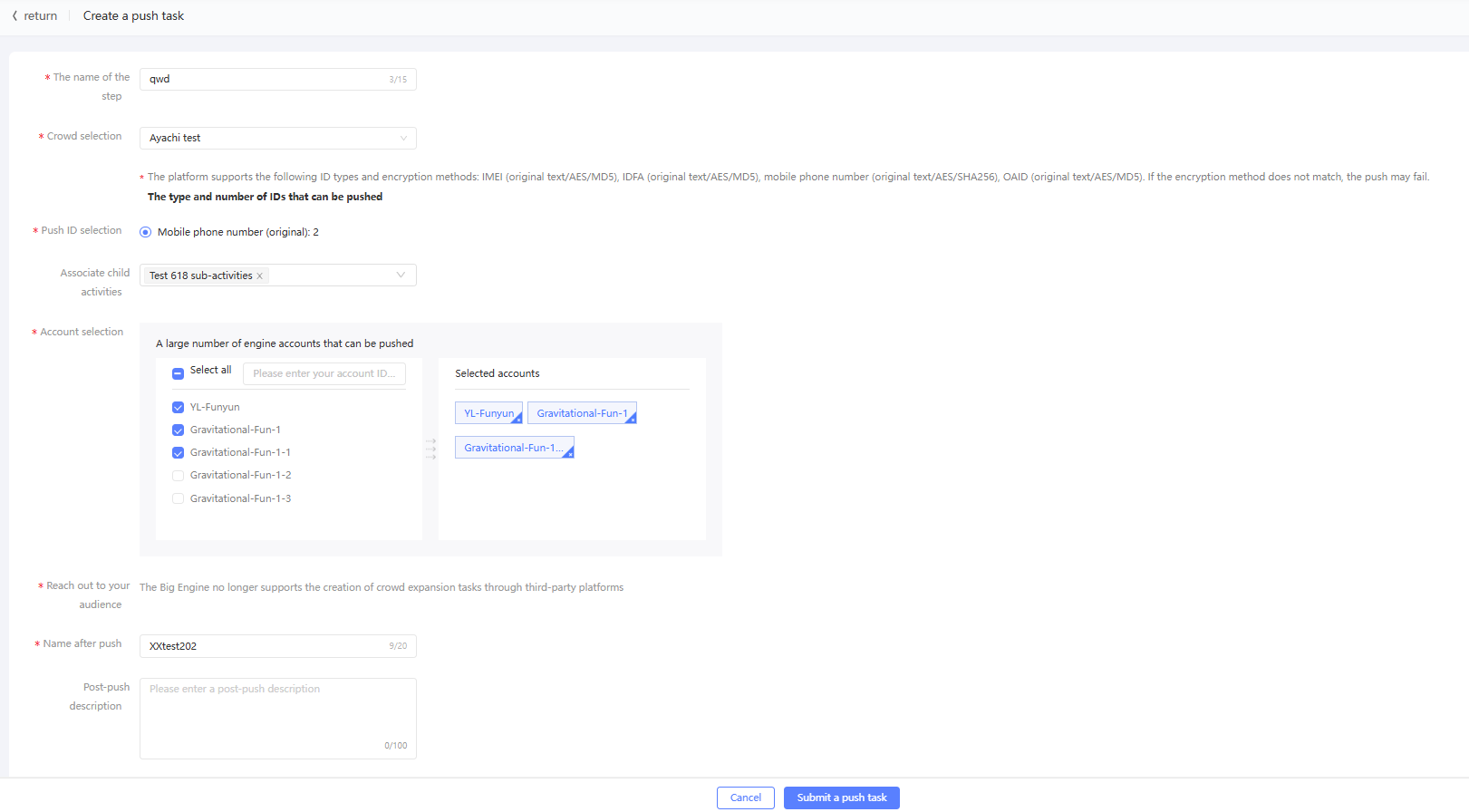
Configure the parameters, as shown in the following table.
Item
Example value
Name
Enter a task name to distinguish the purpose of the task.
Crowd selection
Select the audience that you want to push to the ocean engine. The combinations of all ID types and encryption methods and the corresponding ID numbers are displayed below.
Push ID selection
Select an ID type and its encryption method.
Associate sub-activities
Select a primary campaign and select a sub-campaign under the primary campaign. Separate sub-campaigns are displayed under-at the end of the main campaign list. You can associate a marketing task with a sub-campaign. For more information about marketing activities, see Marketing Campaign Documentation.
Account selection
Select the ocean engine accounts to which the audience will be pushed. You can select one or more accounts. If you select multiple accounts, the audience will be pushed to all accounts at the same time.
Name after push
Enter the name of the audience that is pushed to the ocean engine to distinguish audience.
Description after push
Enter the description that is displayed after the audience is pushed to the ocean engine.
Click Submit Push Task to start the push task.
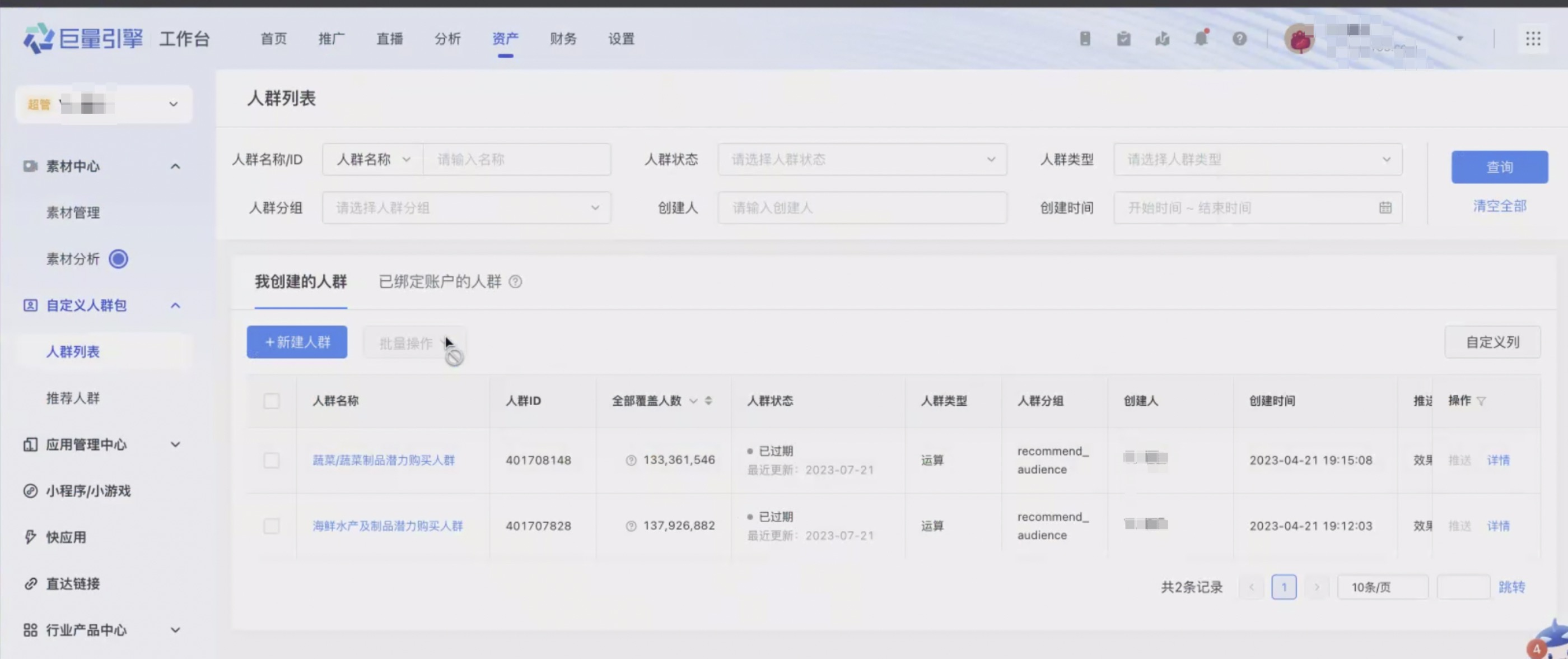
After the push, you can view the audience in the background of the ocean engine. The push location of the audience is as follows: