If you select the Tmall Genie app as the user interface, you can configure IoT application services on the platform. You can use the AIoT Innovation Factory to develop IoT products with enhanced features and an improved user experience.
Introduction to IoT application services
On the IoT Platform, you can configure IoT application services for your products. This involves developing Software as a Service (SaaS) applications in the AIoT Innovation Factory.
Products on the IoT Platform can use and test applications from the AIoT Innovation Factory during development and after publication. If a product is linked to an application, you must publish the application before you can publish the product.
The AIoT Innovation Factory is a software business solution platform built on the device access platform that helps you develop additional features. You can deploy the server-side in a SaaS cloud environment. You can also use standardized platform services to seamlessly connect with Tmall Genie speakers, the Tmall Genie app and mini programs, and the IoT device access platform. This enables end-to-end custom development in the Internet of Things (IoT) domain.
Procedure
- Log on to the IoT Platform console.
- On the project homepage, select Product Management and go to the Human-Computer Interaction page for your product.
- Select .
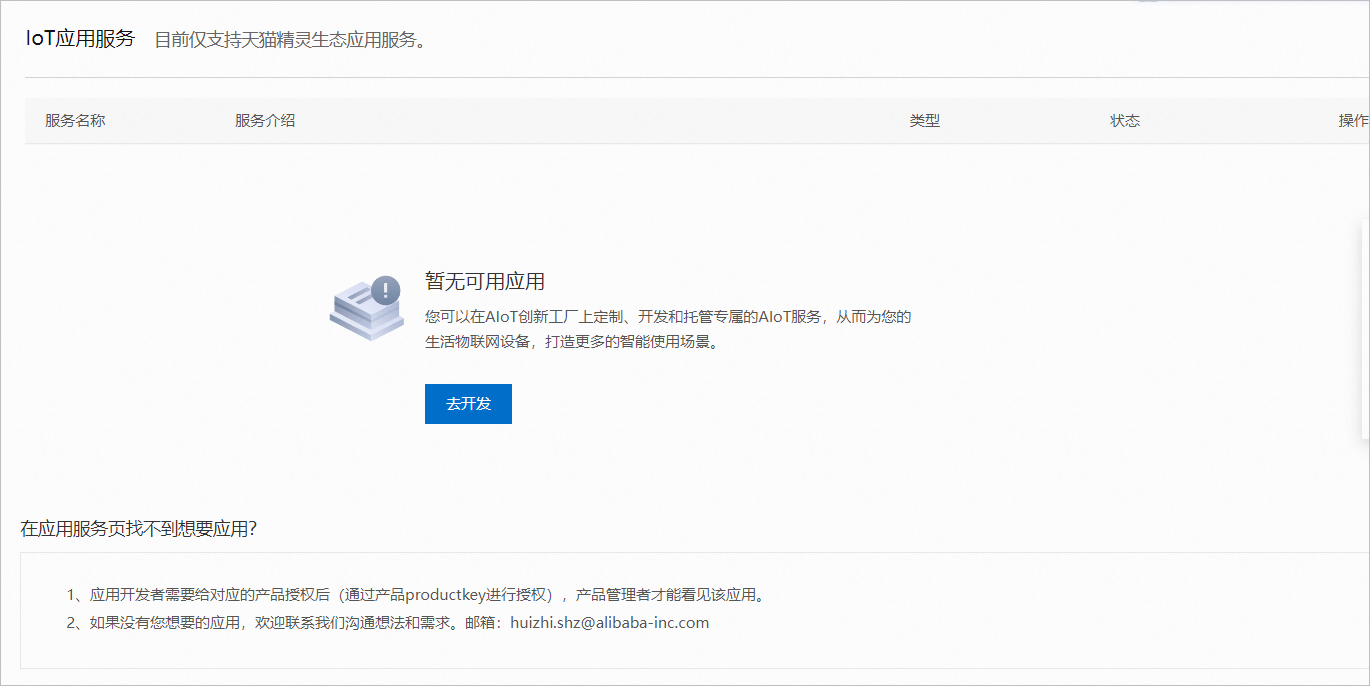
- Click Go to Develop to open the SaaS development platform and create an application service. For more information, see Introduction to AIoT Innovation Factory and SaaS Service Development Flow.
 Note You can also access the AIoT Innovation Factory from the project homepage. For more information, see Introduction to AIoT Innovation Factory.
 - After you create the application service, you can view it and bind it to your product on the platform, as shown in the following figure.
Note The application service must be reviewed, approved, and published on the SaaS development platform before you can use it in the app.