This topic describes how to create and restart a standalone ECS instance.
In the navigation pane on the left, click . After the product is activated, the standalone ECS instance deploys automatically.
-
Deployment takes approximately 5 minutes.
-
Once the deployment is complete, you can view the ECS IP.
The ECS IP includes two fields: IPv4 address and IPv6 address.
After deployment:
-
The microsite image application from Application Templates automatically installs in My Applications.
-
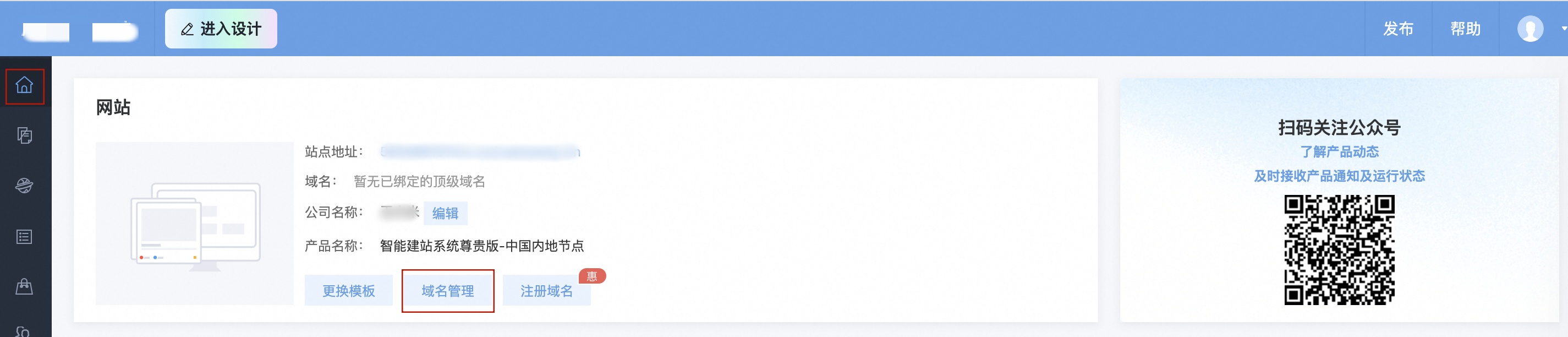
On the console homepage, clicking Domain Name Management takes you to My Applications.
-
You can then Install or Update applications from Application Templates.
-
You can now upload content in My Applications.
Restart the ECS instance
-
If the ECS instance is not functioning correctly, click Restart ECS.
Stop and release the instance
The ECS instance lifecycle is tied to your website instance. Releasing the website instance also automatically releases the ECS instance.