OOS Batch Software Management lets you manage software across multiple ECS instances. Both Alibaba Cloud public extensions, such as one-click installers for WordPress and LAMP, and custom extensions are supported.
Procedure
-
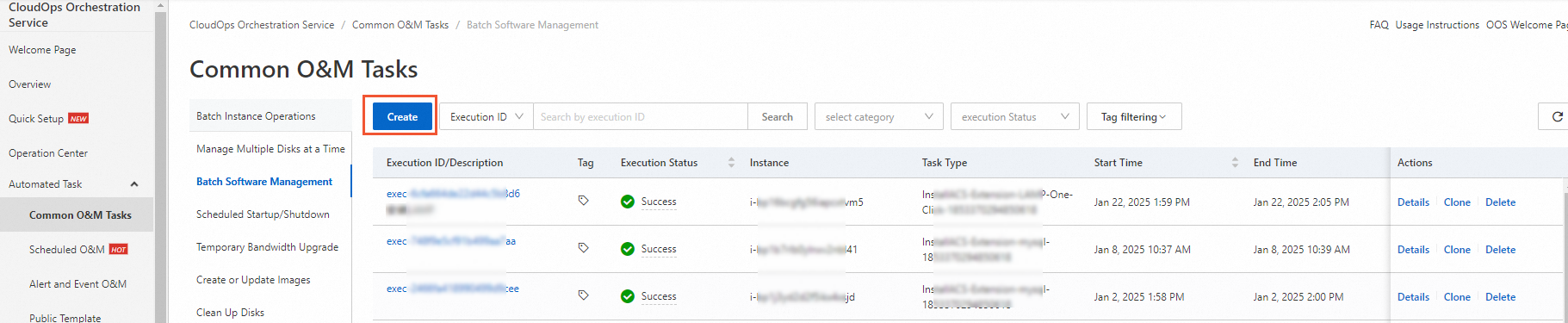
Navigate to Automated Tasks > Common O&M Tasks > Batch Software Management and click Create.
-
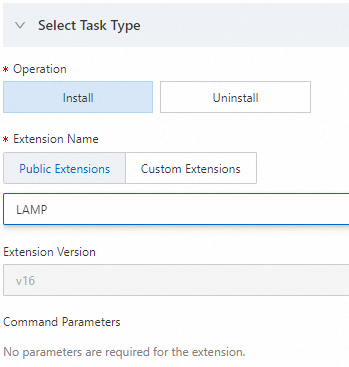
On the Create Batch Software Management Task page, in the Select Task Type section, configure the parameters for the extension that you want to install or uninstall.
-
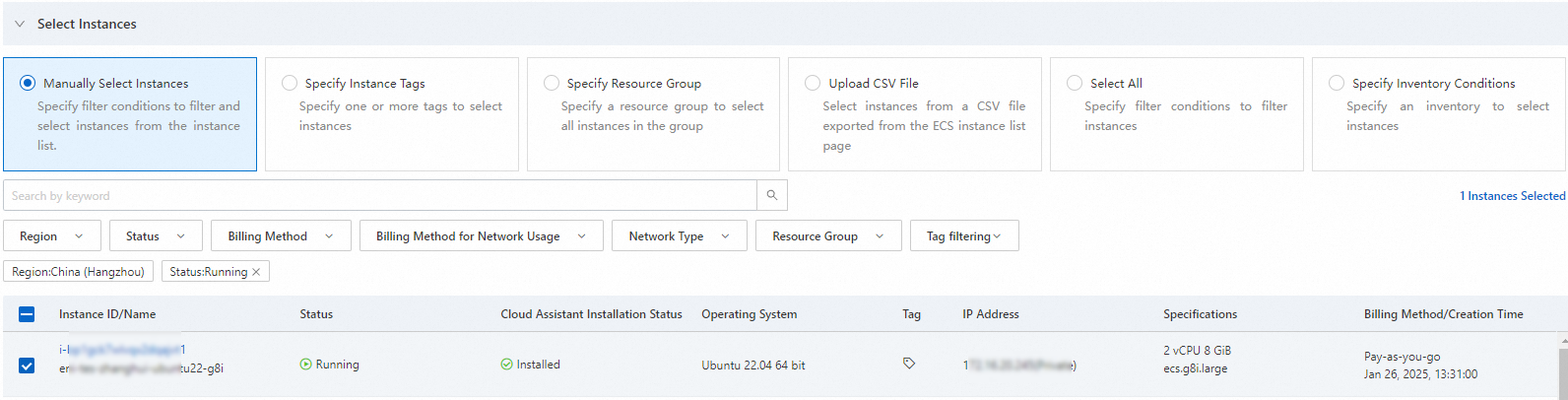
In the Select Instances section, select the target ECS instances.
You can select instances manually, by specifying an instance tag, or by specifying a resource group. This example uses Select Instances Manually.
-
(Optional) Configure the Advanced Options and Execution Settings.
-
In the Advanced Options section, select the Rate Control type (such as concurrency control or batch control) and set the Error Threshold.
NoteTo learn more about concepts like concurrency control, see Loop.
-
In the Execution Settings section, specify execution tags, a resource group, the execution mode, and whether to save the task as a template for reuse.
-
-
Click Create. In the Parameter Confirmation dialog box, verify the settings and click OK.
After the task is created, it appears on the Batch Software Management task list page. Click the Execution ID of the task to view its details.