Analysis topics
The Analysis Topics page displays the topics that you have permission to use. You can view topic information and start a chat for analysis.
Prerequisites
You are logged in to Quick BI AIPro.
You have at least the basic feature permission for Quick BI AIPro.
An organization administrator has added you to the scope of an analysis topic.
Feature access
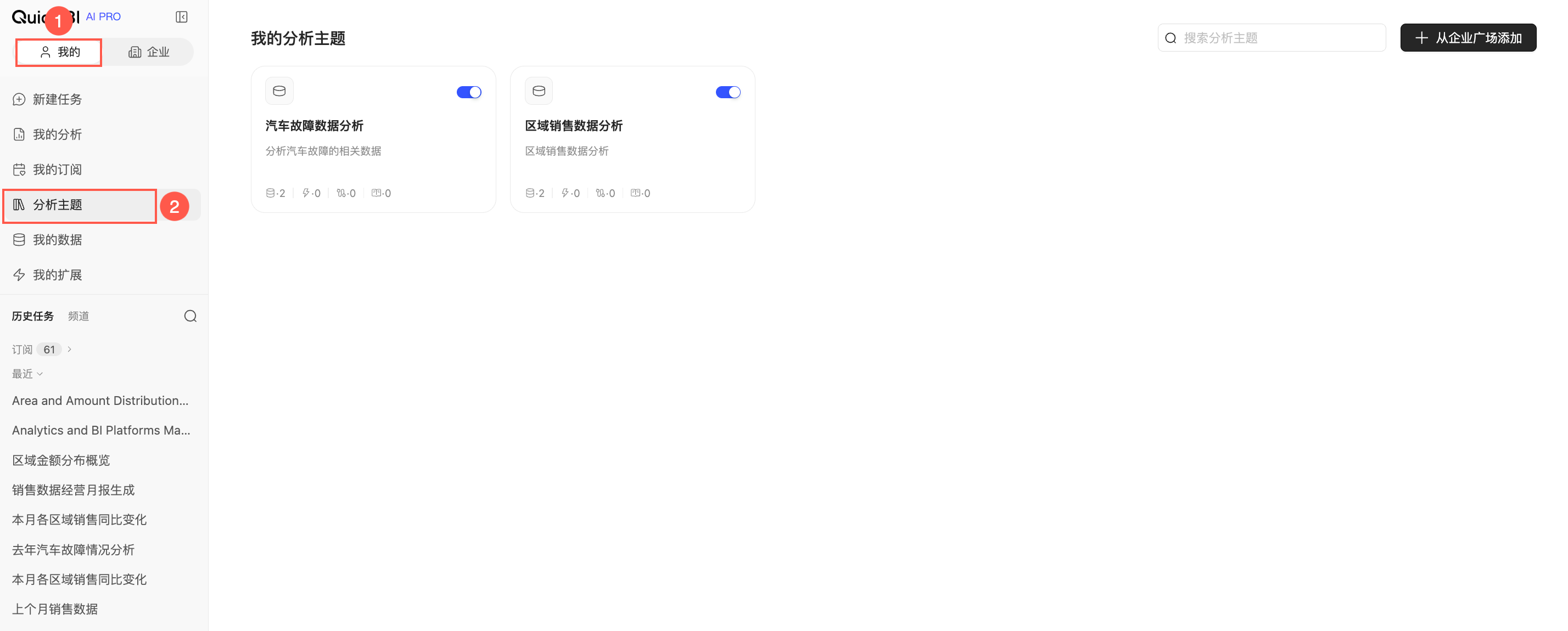
In Quick BI AIPro, go to the My tab and select Analysis Topics.
Viewing topics
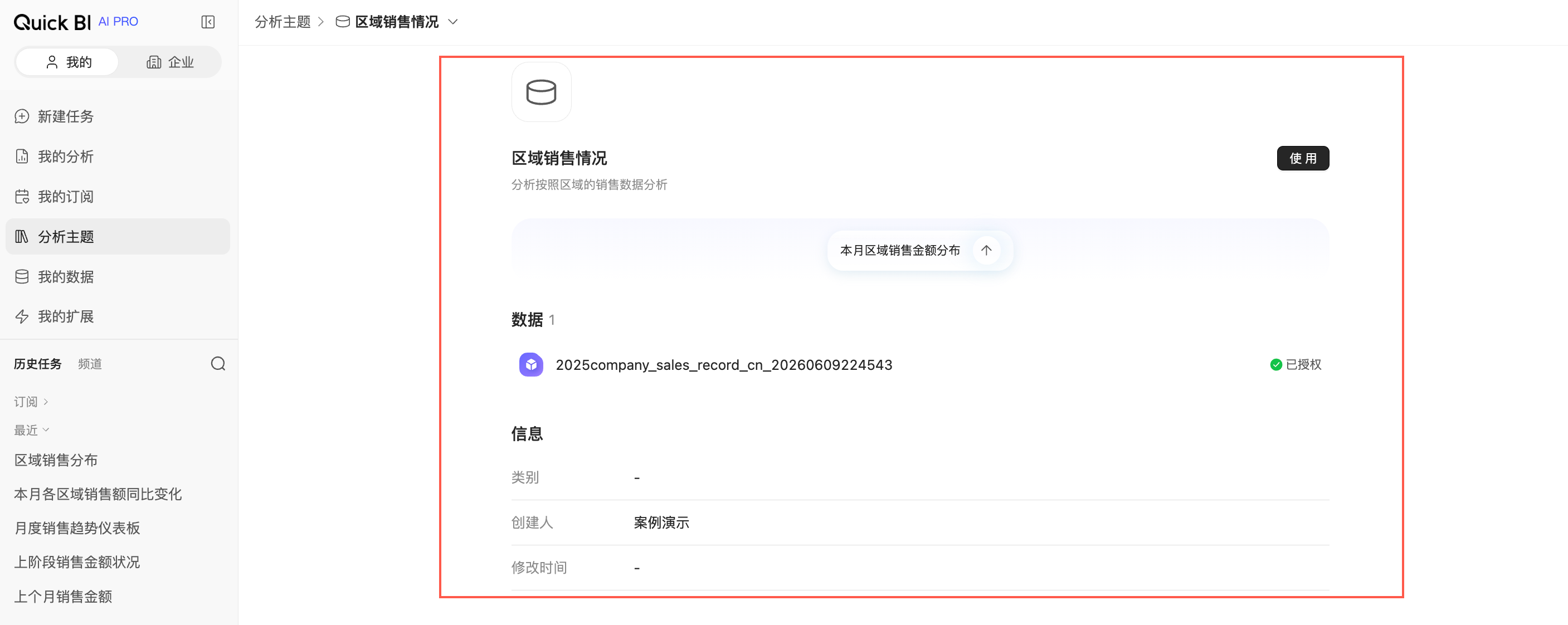
The Analysis Topics page displays the topics you can use as cards. Each card shows the topic name, topic description, recommended questions, creation time, creator, and data within the topic.
Click a non-interactive area of a topic card to view its overview and determine if it meets your analysis needs.
Using a topic
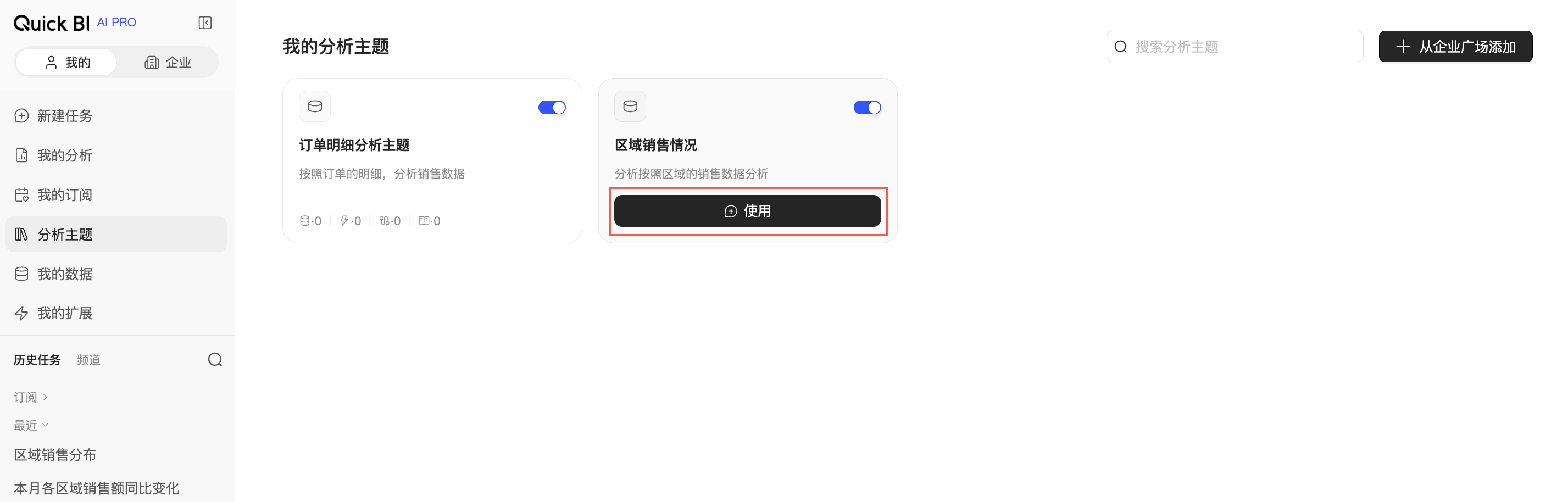
To use a topic, click Use on its card. The main chat opens with the topic automatically selected.
Related operations
Topic Center: Discover published topics within your organization and request access.
topic management: Create and configure analysis topics.
chat mode: Select a topic in the main chat and perform your analysis.