Check if a web page element appears
1. Component introduction
Prerequisites: Open new web page or Get opened web page
Use this component to check if a web page element appears.
2. Inputs
You can find help for each parameter in the component panel of the Visual Editor.
3. Outputs
For more information about each output, see the component panel in the ROS Visual Editor.
4. Component usage example
4.1. Component configuration example
For
Opened Browser Object, select the output v_web_obj_1 of the preceding component (Open New Webpage or Get Opened Webpage).For
Input box control, select the Baidu input box control that was captured by the Capture control component.Keep the default values for the advanced options.
4.2. Example execution result
None
5. Sample flow
Setup flow
Use the Open new web page component to open Chrome and navigate to Baidu.
Use the Check if a web page element appears component to verify that a specific element has loaded on the web page.
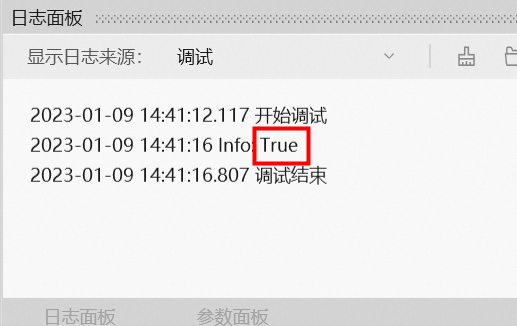
Use the Record Log component to print the result of the Check if a web page element appears component.
Execution result
After the flow runs, the result is printed in the log panel as shown in the following figure.