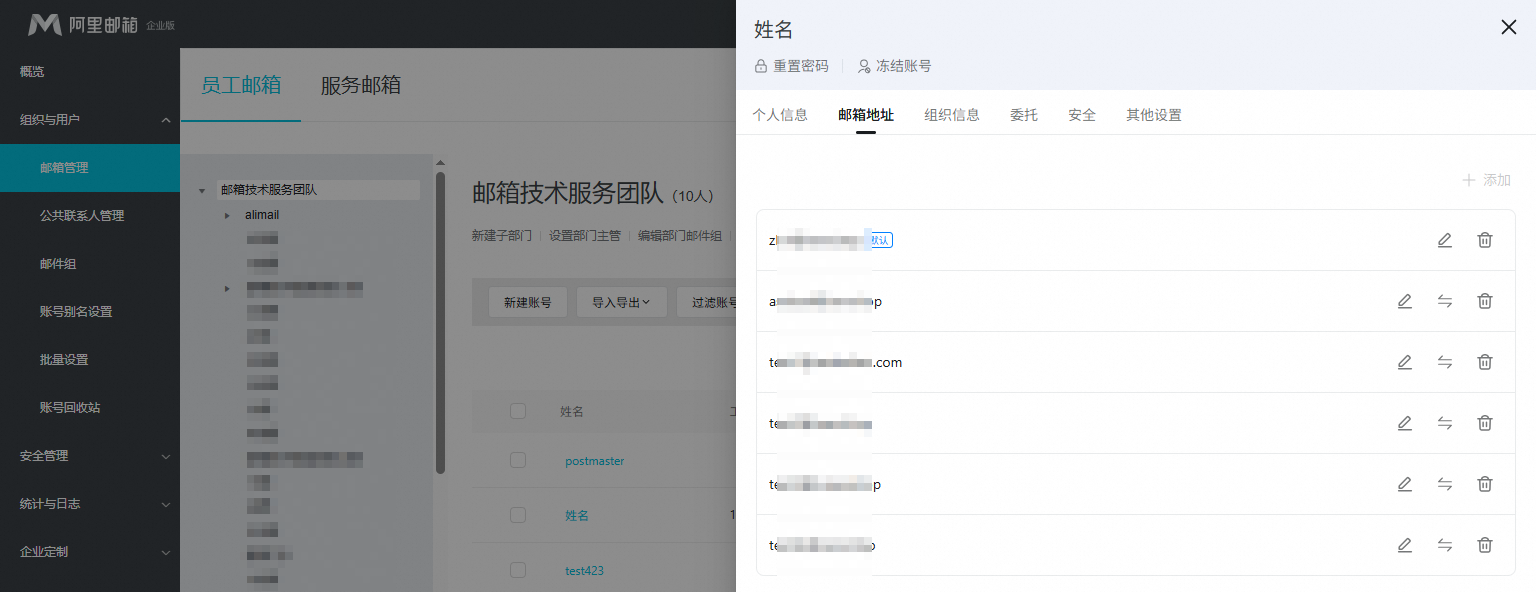
Change the default mailbox address and name
Change the display name, default address, or alias for a mailbox in Alibaba Mail.
Prerequisites
You can set an alias as the default mailbox or add multiple domains and domain aliases.
Not supported in the Free Edition (Edition comparison). Free Edition users must delete the old account and create a new one. Data is not transferred.
For paid mailboxes, use the account recycle bin to transfer data from a deleted account to a new mailbox.
Procedure
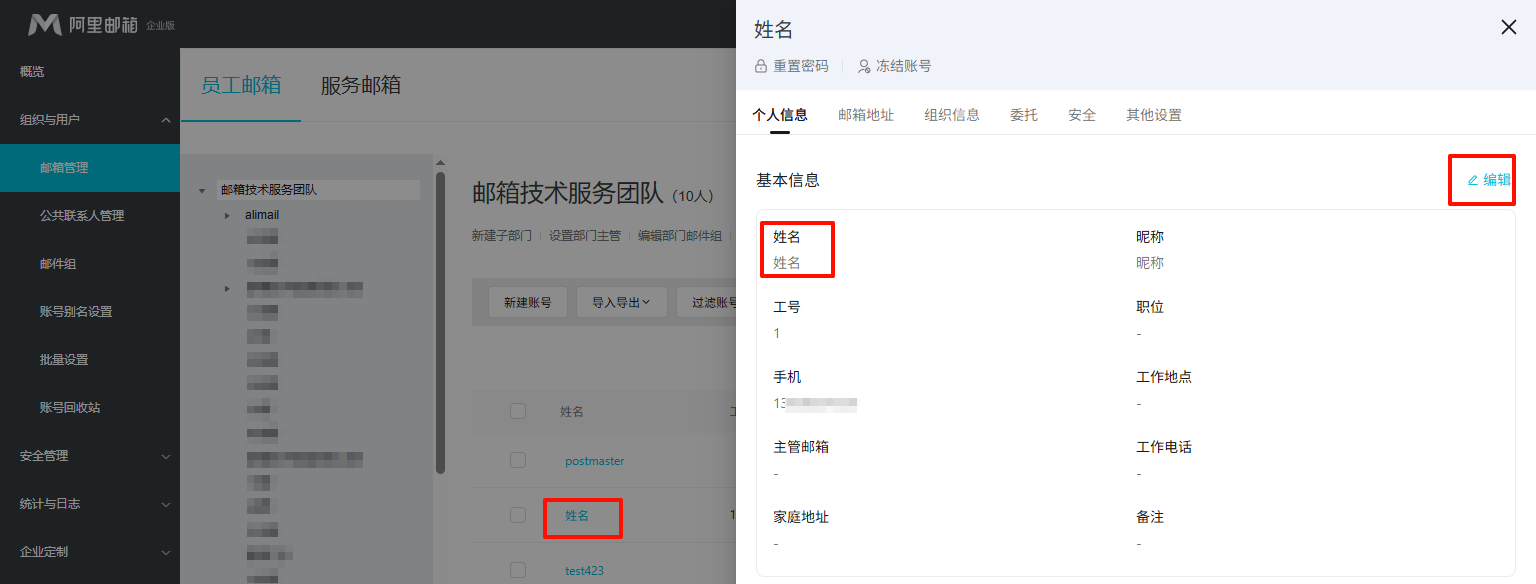
Log on to Alibaba Mail as an administrator. Go to Domain Management > Organization and Users > Mailbox Management > Employee Mailboxes. Find the target mailbox and click its name.
1. On the Personal Information tab, click Edit, change the name, and save.
2. On the Email Address tab, add or change an alias.
Up to five aliases are allowed. The default address does not count toward this limit.